The photos are AI-generated; the people in them are fictional.
Schools
Kindergartens, schools & universities
For kindergartens, schools and universities: the teacher records attendance, the parent sees their own child, and the monthly fee is linked to the invoice. The category is free.
The working screen
For the parent
Family & school
The child appears only when the school has given its consent and your email is verified. The school enrols the pupil with the guardian and their email; you sign in with that email and see the group, the timetable, today’s attendance, the 30-day summary, the grades, the fees due and the menu of the coming days — never who recorded a grade, never the health notes.
- Go to Family & schoolSign in with the email the school has for you. School notices (absences, official notices) arrive in the app, not by email, push or WhatsApp.→
- Register your school for freeThe category is free: no price and no activation. Groups, pupils, attendance, grades, menu, fees and staff open from day one; administration writes need 2FA.→
- Manage your businessSign in: the day’s overview, the groups with their teachers, attendance, the month’s fees with the invoice that follows, official notices.→
- Every category for the person→
This category has no public list of schools, no search and no booking: no school is invented here and no request starts from this page.
- Parent notices (absences, official notices) stay inside the platform — the Individ bell; email, push or WhatsApp for parents need the owner’s decision on the channel and the consent and until then are not shown as active.
- The fee is not paid online by the parent: the platform moves no money; the school marks it “paid” with a reference or “waived” with a reason. Online payment needs a payment adapter and the owner’s decision.
- Parent–teacher messaging is a later phase; today the parent receives notices and sees the child’s data, without writing.
- Health notes are read only by the administration; whether reading them will require 2FA like the clinical records is the owner’s decision (ADR-0060).
The parent’s questions
What does it cost the school and the parents?
Nothing: the category is free by design — School, Customers, Calendar, Finance, Reports, HR, Team and Documents open without a plan and without a licence ladder; there is no price and no “request activation”.
How does a parent see their own child?
Under Individ → Family & school, only when the account’s verified email is the guardian email at the school and the school gave its consent on the pupil: the group, the timetable, today’s attendance, the 30-day summary, grades, fees due, the 14-day menu and the time of the data. Never who recorded a grade, never the health notes; a stranger sees nothing.
Is my school found in a public list?
No. There is no public school profile, search or booking: the parent’s entry is the portal after signing in with a verified email and the school’s consent; the public site never lists or invents a school.
Who records attendance and grades?
The group’s teacher (staff role) only for their own group, or the administration: attendance as a batch per day (present, absent, late, excused) only for today or earlier in the school’s time and only for enrolled pupils — the same day overwrites; one grade per pupil, subject and term. Another group’s teacher is refused by the server.
Every question of the category
Demo data «Try it in the demonstration» opens a simulated chat — an example on demo data, not the real engine: the real portal opens only after signing in with a verified email and the school’s consent.
What we offer
What the business gets today
Every capability with its real state: «Live» runs on the server today, «Demo» only with sample data or the simulator, «Blocked» waits for the named provider or decision, «Not started» is not built yet.
- LiveGroups, pupils, attendance, grades, menu, fees and settings: seven commands for the school.
- LiveAdministration requires 2FA. A teacher records attendance only for their own group.
- LiveA monthly fee for each pupil, linked to an invoice. The administration marks it paid with a reference.
- LiveParent portal (/app/individ/familja) after a verified email and the school’s consent.
- LiveAbsence notice inside the app, once per pupil per day.
- LiveNo public list, search or booking of schools. Registering a school is free.
- Demo«Provo demonstrimin» (try the demonstration) opens an example on demo data. The demonstration chat and the simulator guide are demonstrations.
- BlockedNotices to the parent by email, push or WhatsApp and online fee payment are blocked until the owner decides the channel and the provider.
- Not startedParent–teacher messages have not started.
Emma AI
What Emma does
Emma works in four layers. Answers come from rules and approved information, generation with a language model is off, and every write is a proposal a person confirms.
Receptionist
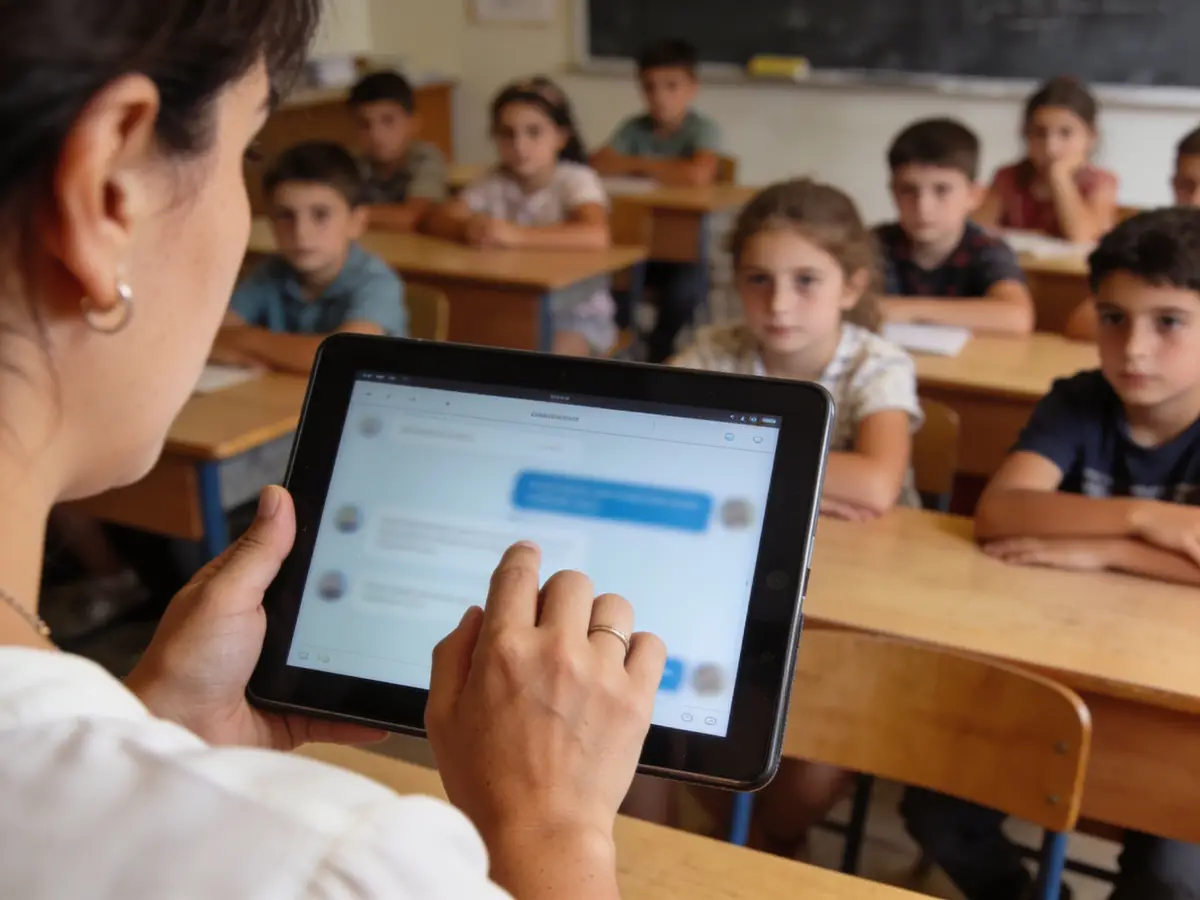
Answers category questions from the FAQ. A parent reads only their own child, after verifying their email.
Business engine
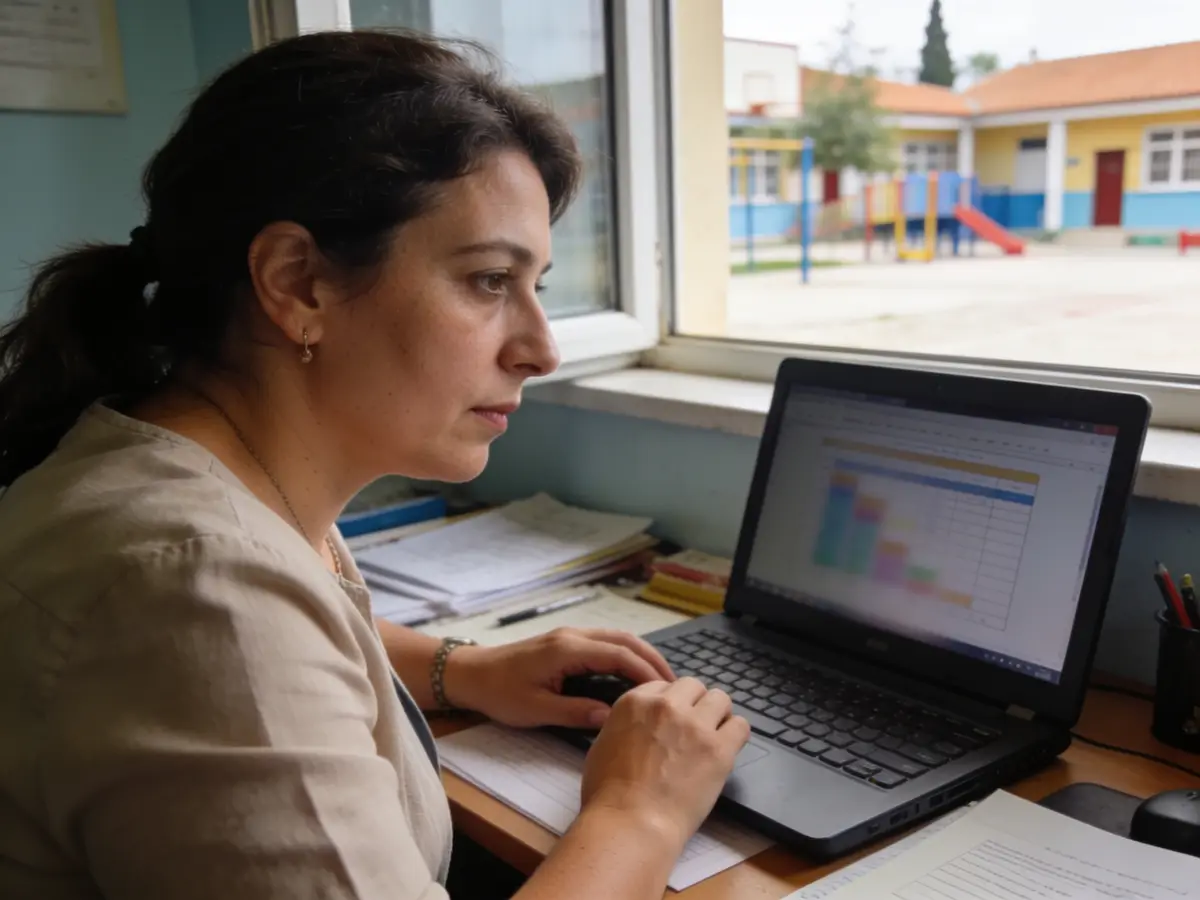
Reads fees and proposes marking a fee paid with a reference, which the administration confirms. She does not write attendance or grades.
Growth
The category is free and has no separate growth indicators.
Control
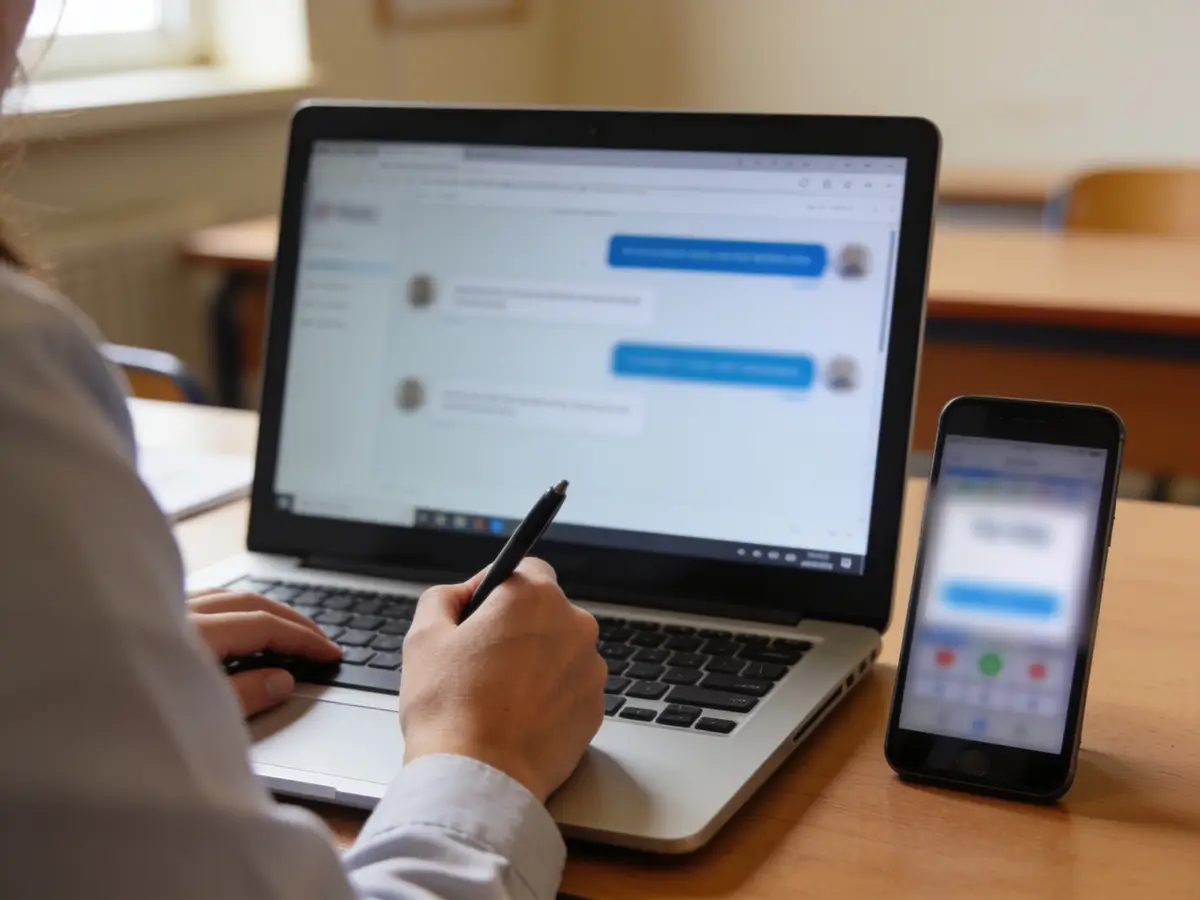
2FA for administration, the education.manage, education.teach and education.read permissions, a version conflict returns 409, and official notices have a fixed audience.
The problems we solve
- Attendance in notebooks and parents left without news.
- Monthly fees tracked by hand.
- Children’s data open to everyone.
- Writes that clash when two people change the same thing.
How we grow your capacity
- Fewer phone calls from parents: the parent portal.
- Less work for the secretary: the fee is linked to the invoice.
- Faster attendance: the teacher records only their own group.
- No cost for the school: the category is free.
These are the ways the platform works, not results measured at customers.
Five steps
From the first message to the report
A customer’s path, each step with its real state.
- First message
The school registers for free from /kategori/education (live).
Live - Attendance and grades
The teacher records and the parent sees them in the portal (live).
Live - Notice
Absence inside the app (live). Email, push and WhatsApp: blocked.
LiveBlocked - Payment
Monthly fee linked to an invoice and marked paid by the administration (live). Parent online payment: blocked.
LiveBlocked - Report
Fees and attendance (live).
Live
Illustrative demonstration
The flow
- 1The customer writes
Good morning! I am Arbër’s mother (group 3A). Can I see this week’s attendance and this month’s fee?
- 2Pick what the portal opens
This week’s attendance — 5 / 5 days · recorded today 08:15 · Month’s fee — 12,000 L · pending · paid with a reference
- 3Action
Open the parent portal
- 4Next step
Example: the parent sees attendance, grades, fees and the menu under «Family & school» — never who recorded a grade, never the health notes; the school keeps the category free and administration writes need 2FA.
The answers of this demonstration are prepared in advance, not produced by a connected model.
Frequently asked questions
The same answers Emma gives, from the platform guide.
How is a parent told about an absence? live
With the Individ bell inside the platform, once per pupil and day, only when the pupil has the consent for messages and the guardian a verified email; the note text never leaves. No email, SMS or push is sent from here.
How do monthly fees and invoices work? live
Issue the month once for every enrolled pupil with a fee (a second issue of the month is refused); then “paid” with a reference or “waived” with a reason — nothing leaves paid/waived. With Finance on, every fee has its own invoice following the same state; when finance refuses, the fee is kept and the warning shows under the dialog. Teachers never see fees.
Does the parent pay the fee online? planned
No: the platform moves no money. The parent sees the fees due and the payment hint; the school marks it with a reference. Online payment needs a payment adapter and the owner’s decision and until then is not shown as active.
Why am I asked for 2FA and who is? live
Every administration write (groups, pupils, menu, fees, official notices, staff cards, activities) requires 2FA switched on — without it the server answers 401 MFA_REQUIRED; reads stay open. A teacher records attendance and grades without 2FA.
What happens when two people change the same pupil? live
The save carries the version you saw; if someone changed it meanwhile, the server answers 409 VERSION_CONFLICT and the dialog keeps your draft with a “Reload” button — nothing is overwritten without seeing the new version.
Where are official notices, staff, the calendar and payroll? live
Under School: official notices with the audience fixed at publication (reading ≠ acknowledging, reminders every 2 days), staff cards over the HR employees, activities with clash checks and substitutions, the merged calendar, the staff chat over team channels and Payroll as a read over HR — no parallel registers.
Can the parent write to the teacher and does the notice come by email or WhatsApp? planned
Not yet: parent–teacher messaging is a later phase, and email, push or WhatsApp for parents wait for the owner’s decision on the channel and the consent. Today notices stay inside the platform.
How do I try it before registering the school? live
On the category page “Try the demonstration” opens an example on demo data (labelled “Example”), not your school; the real school is registered for free and the Getting-started list takes you to the parent portal.
Try it or open an account
The demonstration runs on sample data, not on your business. The account opens for free and the panel switches on by category and role.
Other categories