The photos are AI-generated; the people in them are fictional.
Professionals
Professional services (studios, consulting)
For studios and consultancies: an intake with documents, matters in phases, a quote accepted with proof, and reviewed hours.
The working screen
For the person
Send a request or book a consultation
Published studios that take clients online: you book the consultation or the first meeting on the studio’s page (specialisation, professional, day and time; the confirmation code comes by email only) or send a request with the need, the deadline and whether you have documents to hand in — the studio returns a quote with hours, which you accept from your portal. No sensitive document is asked for before the meeting; no deposit, the invoice only from approved hours.
- — · No studio published yetThe list fills only from real studios that switched their public booking page on; no name is invented.—
- Send a requestSign in with your email: the request with the need, the deadline («Deadline») and «Documents to hand in?», the offers that come from studios and the job you follow from the portal link.→
- Manage your businessSign in: the intake with required documents, the versioned quotes, the jobs with phases, the restricted matters and the documents with version, owner and expiry.→
- Every category for the person→
The list is read from the platform (published studios, no simulators) and shows up to 12 studios.
Live state: intake with required documents (a task with a deadline, one reminder 24 h before, the portal upload closes it by itself), the versioned quote accepted from the portal with proof, the job with phases and one live invoice per phase, restricted matters seen only by the allowed team, documents with version, owner and expiry; the client portal carries no internal notes. SMS blocked without a provider (the code by email only); e-signature not planned — acceptance from the portal with proof; AI generation off until the superadmin enables it and the assistant never sends documents nor approves anything.
Demo data «Try it in the demonstration» opens a simulated chat — an example on demo data, not the real engine: the real request, quote and job live only on the studio’s own public page.
What we offer
What the business gets today
Every capability with its real state: «Live» runs on the server today, «Demo» only with sample data or the simulator, «Blocked» waits for the named provider or decision, «Not started» is not built yet.
- LiveConsultation booking from the page and an intake with required documents. Each document opens a «Mblidh: …» (collect) task.
- LiveMatters in phases: planned, active, done. A phase change can require a proof document.
- LiveRestricted matters: only the owner, admins, the responsible person and allowed persons can see them.
- LiveClient portal with the quote, the job and documents, and no internal notes. Acceptance is bound to the quote’s hash and a printed name.
- LiveHours are reviewed by someone other than the person who entered them. One live invoice per phase, and an optional prepayment.
- LiveDocuments with version, owner, expiry, classification and a scan before opening.
- DemoThe AI assistant is simulated and generation is off. The public demonstration scenario is labelled as an example.
- BlockedSMS, e-signature, OCR of matter documents, card payment and the fiscal number are not ready. The public profile /biznes waits for the owner’s decision.
Emma AI
What Emma does
Emma works in four layers. Answers come from rules and approved information, generation with a language model is off, and every write is a proposal a person confirms.
Receptionist
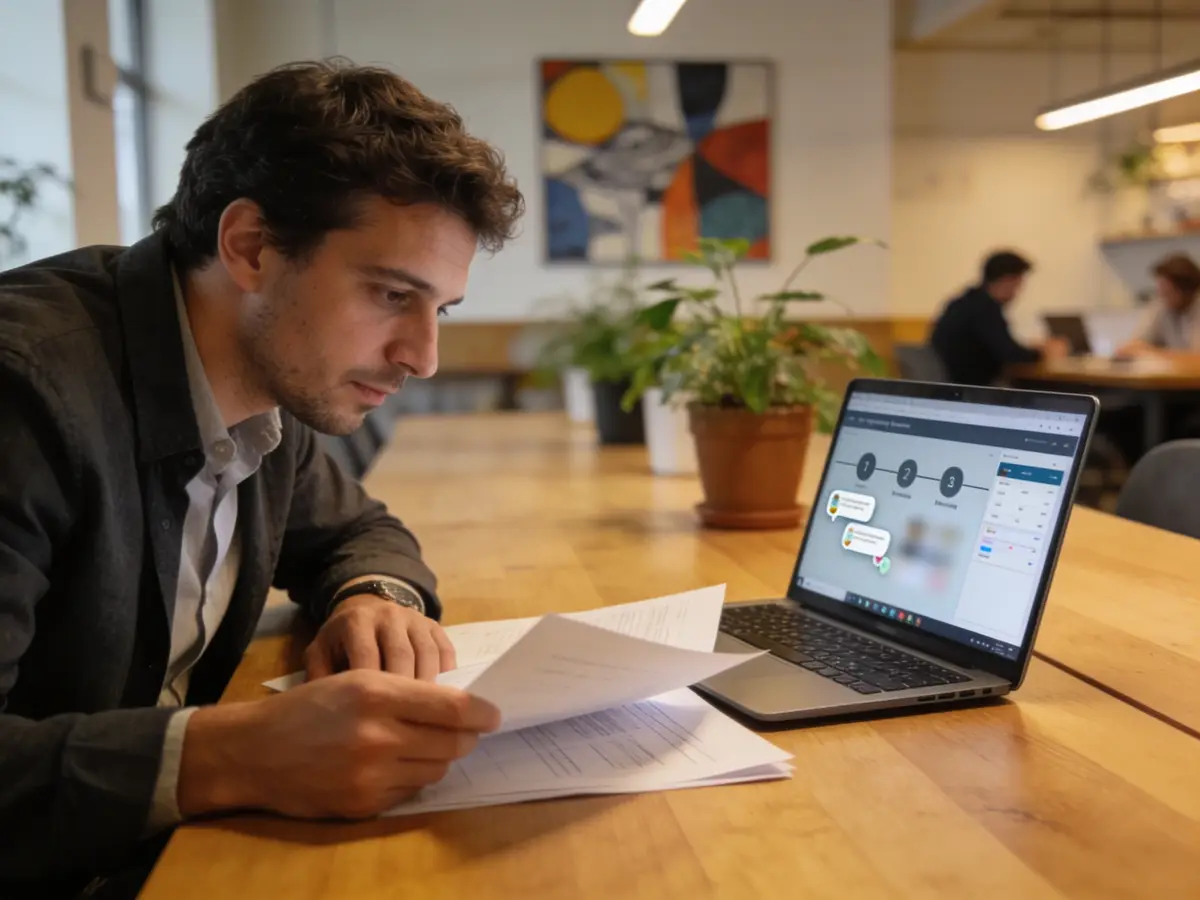
Reads the required documents with dates. If the intake has no list, she says «unknown», never «nothing is missing». She gives no legal or financial advice.
Business engine
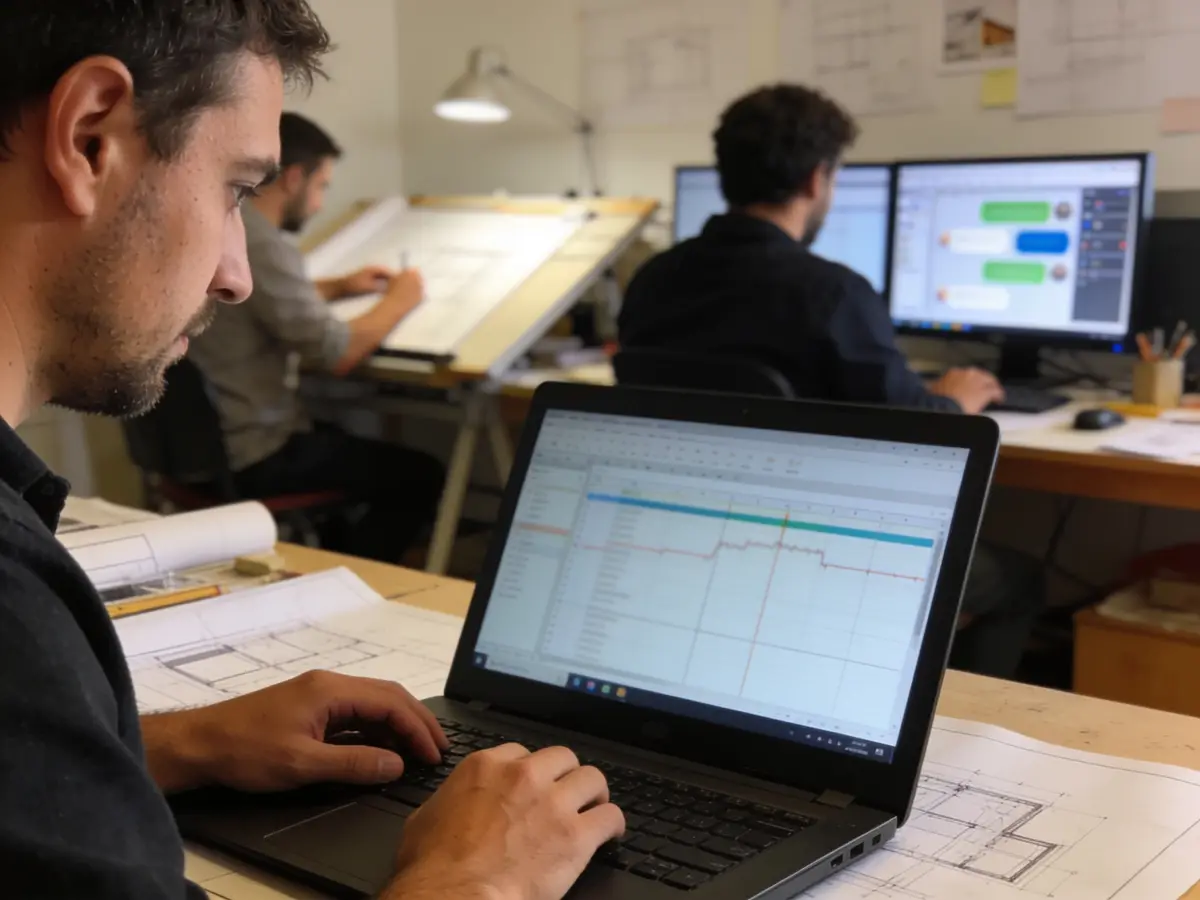
Reads required documents and work orders. She does not send documents, accept a quote or approve in a person’s place.
Growth
The menu has no calendar, so appointment indicators have not been proven. A customer-facing reminder for an overdue invoice is missing; only the internal task exists.

Control
The restricted matter, document classification and a portal without internal notes. Audit and approvals are visible on pages. AI monitoring is for the superadmin only.
The problems we solve
- Missing documents chased by email.
- Sensitive matters open to the whole team.
- Hours recorded and invoiced without a check.
- A quote accepted without proof.
How we grow your capacity
- More clients taken on without more admin: intake with documents and tasks.
- Less chasing: an uploaded document closes its task by itself.
- Clearer invoicing: one live invoice per phase.
- Fewer hour errors: review by a second person.
These are the ways the platform works, not results measured at customers.
Five steps
From the first message to the report
A customer’s path, each step with its real state.
- First message
The client books a consultation or fills in the intake with the need, the deadline and the documents (live).
Live - Matter
Quote with versions, online acceptance with proof, phases (live).
Live - Reminder
Documents and tasks inside the app 24 hours before the deadline (live). SMS: blocked.
LiveBlocked - Payment
Bank or cash, with an optional prepayment (live). Online card: blocked.
LiveBlocked - Report
Reviewed hours and invoices per phase (live).
Live
Illustrative demonstration
The flow
- 1The customer writes
We need help registering a company and drafting the first contracts. How many hours?
- 2Pick the package
Registration + articles — 6 h · core documents · Registration + contracts — 12 h · articles + 2 contracts
- 3Action
Prepare the quote
- 4Next step
Example: the client accepts the version from their portal; hours are recorded per phase and the invoice comes only from the approved hours of that phase — one live invoice per phase.
The answers of this demonstration are prepared in advance, not produced by a connected model.
Frequently asked questions
The same answers Emma gives, from the platform guide.
Can the client book a consultation from the website? live
Yes: on the studio’s public page they pick the specialisation, the professional, the day and the time; the confirmation code comes by email only (no SMS provider) and staff confirm as configured.
What does the client intake hold? live
The need, the deadline, the owner and the required documents with due dates; each document opens the task «Collect: …» for the owner, the reminder is sent once 24 h before the due date and a valid portal upload closes it by itself; the client is qualified or declined with a reason.
Is the project split into phases? live
Yes: planned → active → done phases inside the same job; the transition needs an evidence document when set; hours are recorded per phase and each phase is invoiced exactly once — the second is refused.
Who sees a restricted matter? live
Only the business owner and the administrators, the responsible, the assignee and the allowed users; its list, details, hours and documents are shown to nobody else and the commands are refused on the server.
How are matter documents protected? live
Classification (business, personal, sensitive, restricted), quarantine and scan before they open, a version that supersedes the old one, an owner, an expiry date and access restricted to people; deletion hold and audit.
Does the client see internal notes? live
No: the portal carries only their quote, job and documents — no internal note, work description or intake; the test suite proves the absence.
Are real SMS reminders sent? awaits provider
SMS stays blocked without a provider (the channel is not offered and the request is refused); real email works from the platform; task reminders reach the owner inside the app.
Is the quote signed electronically? live
E-signature is not planned: the client accepts the quote from the portal with proof (their link, identity, the proposal hash and the time); a changed quote needs a new acceptance.
Can the AI give advice or send documents? live
No: the assistant answers only from approved sources, drafts and summarises; it never sends documents, accepts quotes or approves anything — the professional signs off. Generation with a language model is off until the superadmin enables it.
Is an invoice created from the job? live
From the approved hours of the phase, or of the job when it has no phases: one live invoice per phase (the second is refused), an invoiced entry is never invoiced twice; PDF and client portal. A prepayment is optional; the fiscal number waits for the easyPos connection.
Try it or open an account
The demonstration runs on sample data, not on your business. The account opens for free and the panel switches on by category and role.
Other categories