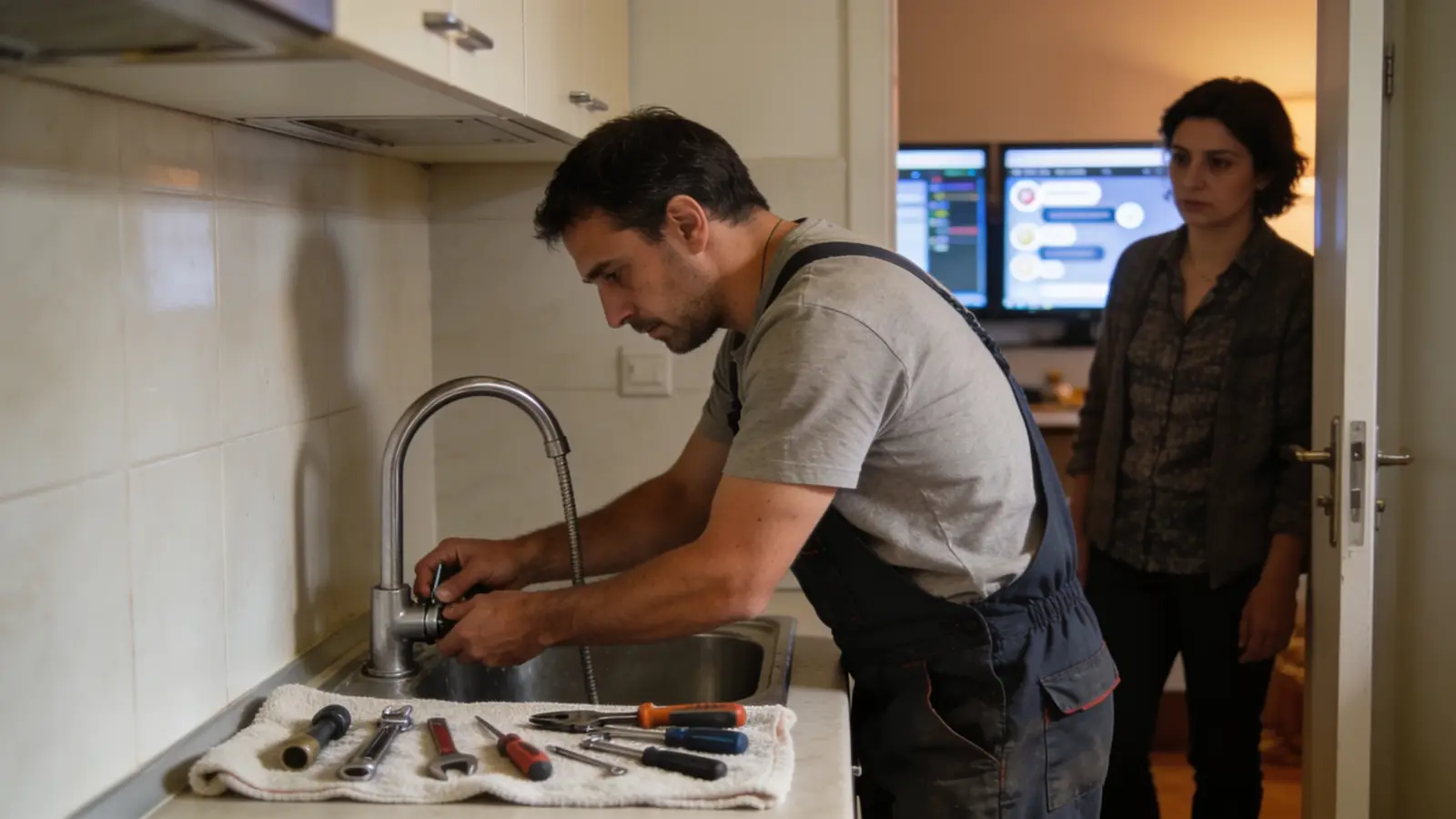
The photos are AI-generated; the people in them are fictional.
Home
Home services (installation, maintenance)
For installers, plumbers, electricians and maintenance: a request from the client, a quote, assigning a technician, and cash collected in the field accounted for.
The working screen
For the person
Request a service
Published businesses that take requests online: you describe the problem, the address, the zone and when it suits you, add a photo — no account needed. An on-site check gets a request for a quote, not an invented price: the quote (labour, materials and travel separate) is accepted online before the work starts; no deposit, the invoice after the accepted work.
- — · No business published yetThe list fills only from real businesses that switched their public request page on; no name is invented.—
- My requestsSign in with your email: open requests, the offers that come from businesses and the job you follow from the portal link.→
- Every category for the person→
The list is read from the platform (published businesses, no simulators) and shows up to 12 businesses.
Demo data «Try it in the demonstration» opens a simulated chat — an example on demo data, not the real engine: the real request, quote and job live only on the business’s own public page.
What we offer
What the business gets today
Every capability with its real state: «Live» runs on the server today, «Demo» only with sample data or the simulator, «Blocked» waits for the named provider or decision, «Not started» is not built yet.
- LivePublic request with problem, urgency, zone, skill and time window. A service case is created.
- LiveEstimate visit with the technician and the vehicle as resources.
- LiveDispatch checks the skill (422 SKILL_MISSING) and the slot (409 SLOT_UNAVAILABLE).
- LiveQuote with separate lines: labour, material, travel. It has versions with validity and is accepted from the portal or on the technician’s device.
- LiveTechnicians see only their assigned jobs. An offline queue holds progress, materials and the checklist.
- LiveField cash is declared and reconciled by a different person. A complaint from the portal becomes a task.
- DemoThe public demonstration chat is an example, with a 0 % deposit from the package.
- BlockedSMS, WhatsApp, online card payment, technician location on a map, travel time from a road source and fiscalisation are not connected.
Emma AI
What Emma does
Emma works in four layers. Answers come from rules and approved information, generation with a language model is off, and every write is a proposal a person confirms.
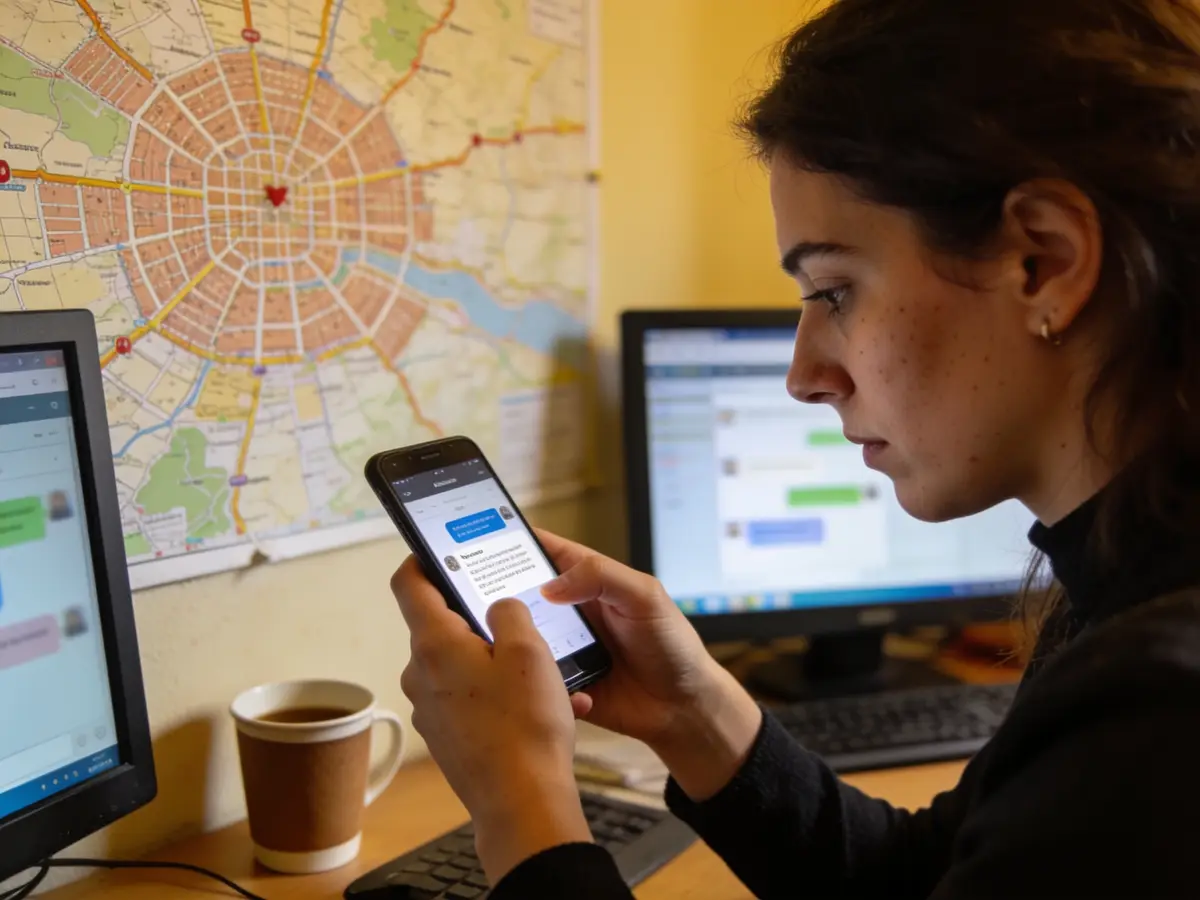
Receptionist
From a client’s order (e.g. «plumber») she opens a service request and answers from approved information.
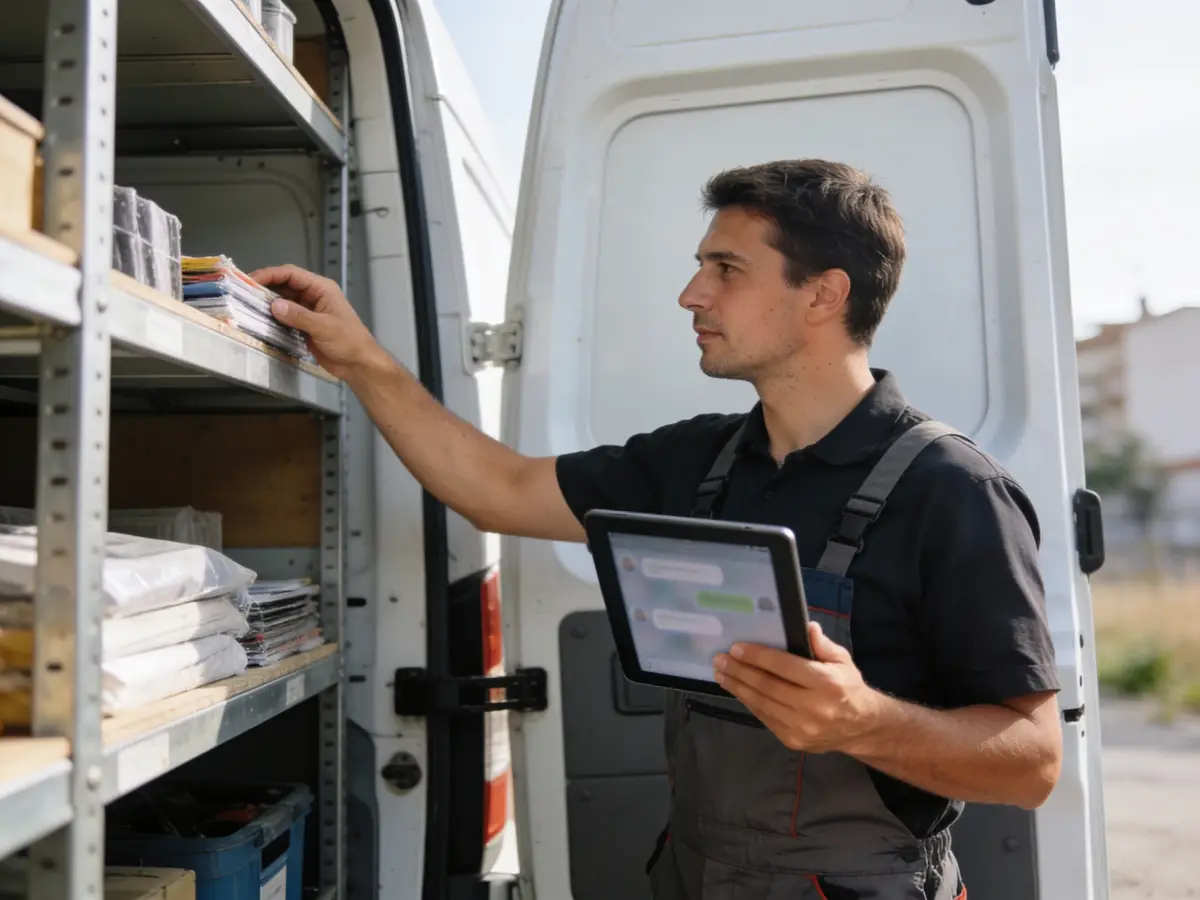
Business engine
Reads the client’s quotes and requests. Every form is a proposal; she does not assign a technician herself.
Growth
Calculates no-shows, completions, rebooking and slot use. A separate measure for accepted quotes and a retention feature do not exist yet.
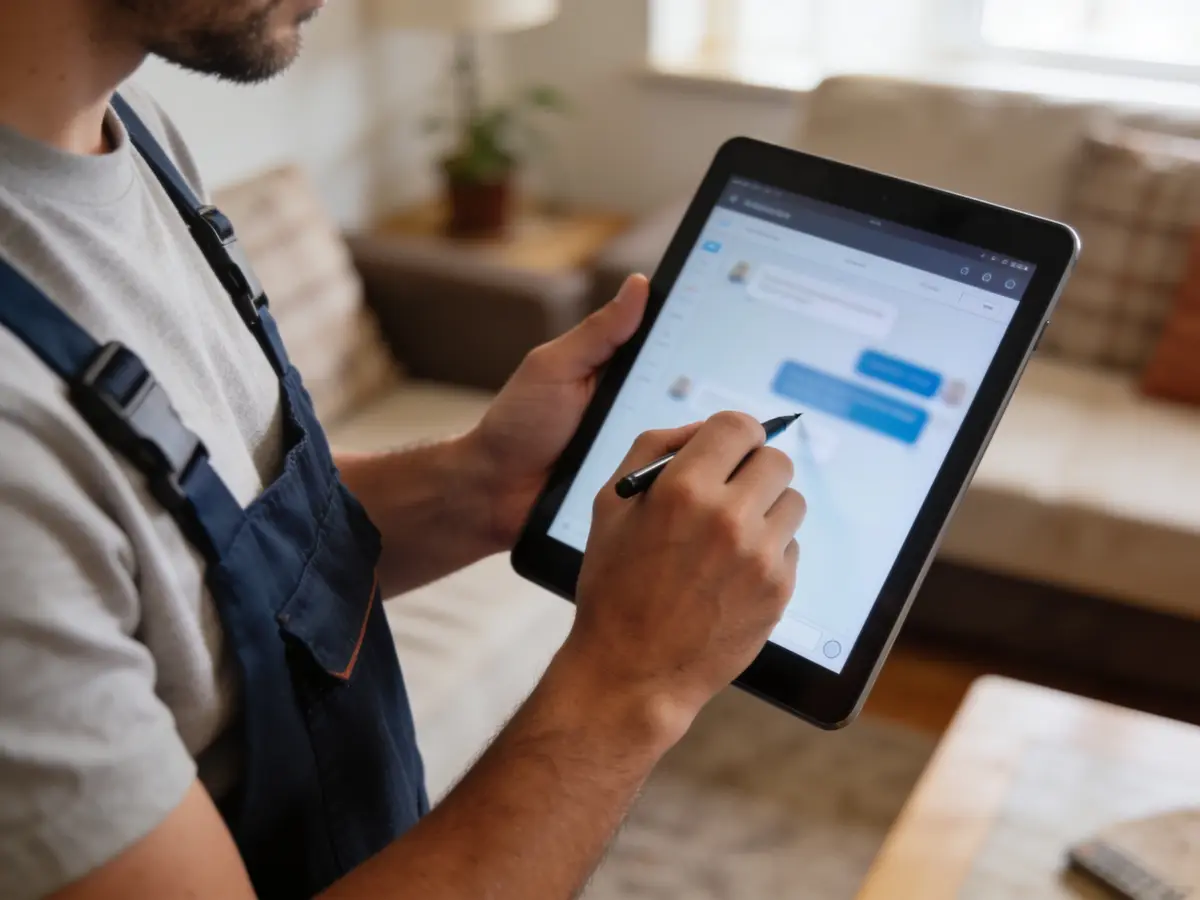
Control
Acceptance is bound to a hash and a new version does not inherit it. Technicians see only their assigned jobs. Field cash is reconciled by another person. Audit and approvals are visible on pages.
The problems we solve
- Phone requests without urgency or zone.
- A technician assigned without the right skill.
- A quote that changes without a clear acceptance.
- Cash collected in the field with no record.
How we grow your capacity
- More requests handled without more office staff.
- Fewer wasted trips: skill and time are checked before assigning.
- A faster quote: online acceptance.
- Field work without lost data: the offline queue.
These are the ways the platform works, not results measured at customers.
Five steps
From the first message to the report
A customer’s path, each step with its real state.
- First message
The client sends a request with problem, urgency, zone and window; a case is created (live).
Live - Visit and quote
A technician is assigned, the quote has separate lines, acceptance is online (live).
Live - Reminder
By email (live). SMS and WhatsApp: blocked.
LiveBlocked - Payment
Invoice paid by bank, or with declared and reconciled cash (live). Online card: blocked.
LiveBlocked - Report
Work, hours and materials from the van (live).
Live
Illustrative demonstration
The flow
- 1The customer writes
I’d like an air-conditioner installed in the bedroom, 3rd floor, no lift.
- 2Pick the estimate visit
Wed 08:00–10:00 · Crew A — On-site estimate · 30 min · Thu 14:00–16:00 · Crew B — On-site estimate · 30 min
- 3Action
Book the visit
- 4Next step
Example: after the visit the quote (labour, materials and travel separate) is approved online, no deposit; the invoice comes from the job completed and accepted by the customer.
The answers of this demonstration are prepared in advance, not produced by a connected model.
Frequently asked questions
The same answers Emma gives, from the platform guide.
Can the customer request a visit online? live
Yes. The public request takes the problem, urgency, zone, skill and time window, and creates a service case.
How is the responsible technician assigned? live
Dispatch checks skill and time: without the right skill the server answers 422, and when the slot is taken 409. The owner is shown on the job.
Do tasks have a deadline and an owner? live
Yes, including tasks created automatically by workflows.
Is there a mobile work-order app? planned
A native app is planned. The web app works on a phone and has an offline queue for progress, materials and the checklist.
Can I keep job photos and contracts? live
Yes, in Documents with role-based access, linked to the job.
How is extra work approved on site? live
With a new quote or version, which the client accepts from the portal or on the technician’s device; acceptance is bound to the hash of the quote.
Does the customer get a real visit notification? awaits provider
By email, yes. SMS and WhatsApp are blocked until a provider is connected.
Does the customer pay through the platform after the job? awaits provider
Not by online card. The invoice is paid by bank or with cash declared in the field and reconciled by another person. Online card payment waits for the owner’s payment provider.
Try it or open an account
The demonstration runs on sample data, not on your business. The account opens for free and the panel switches on by category and role.
Other categories