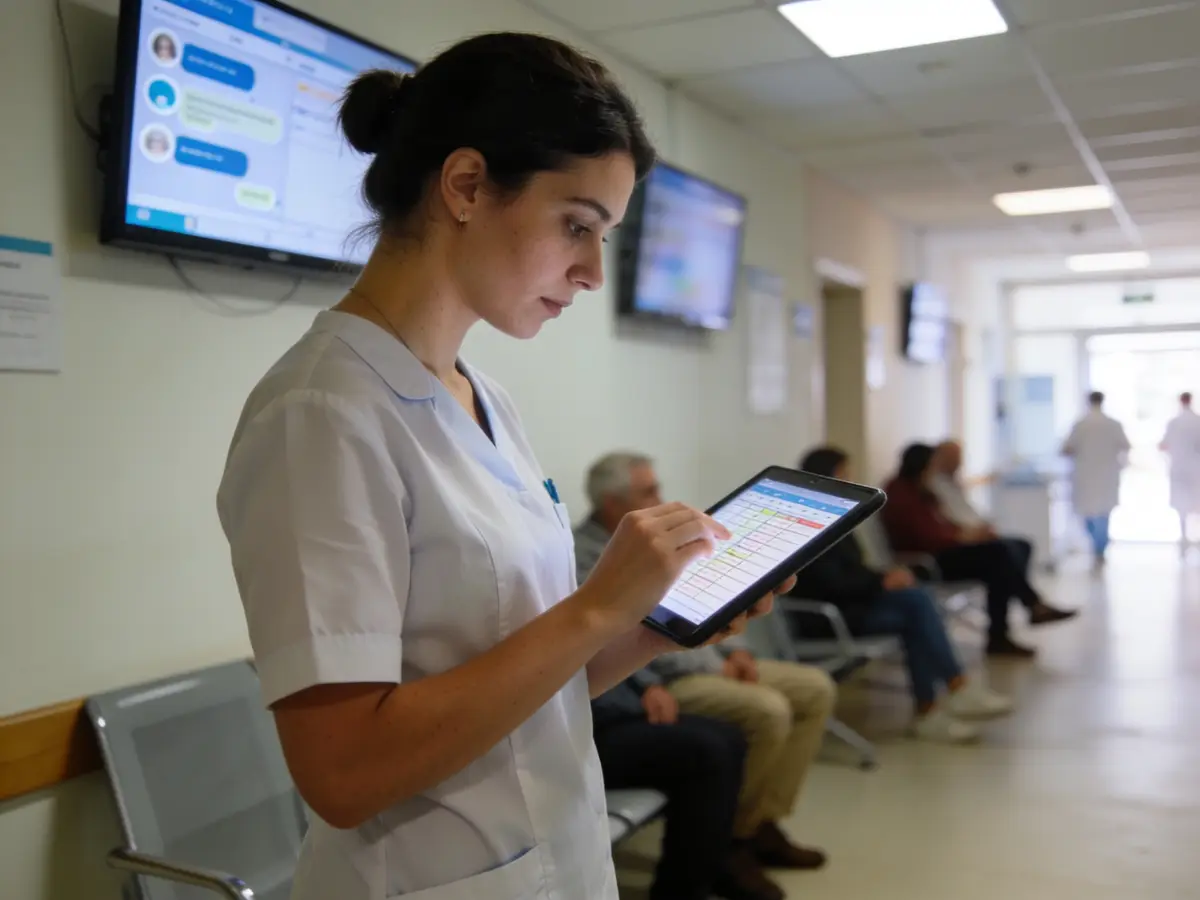
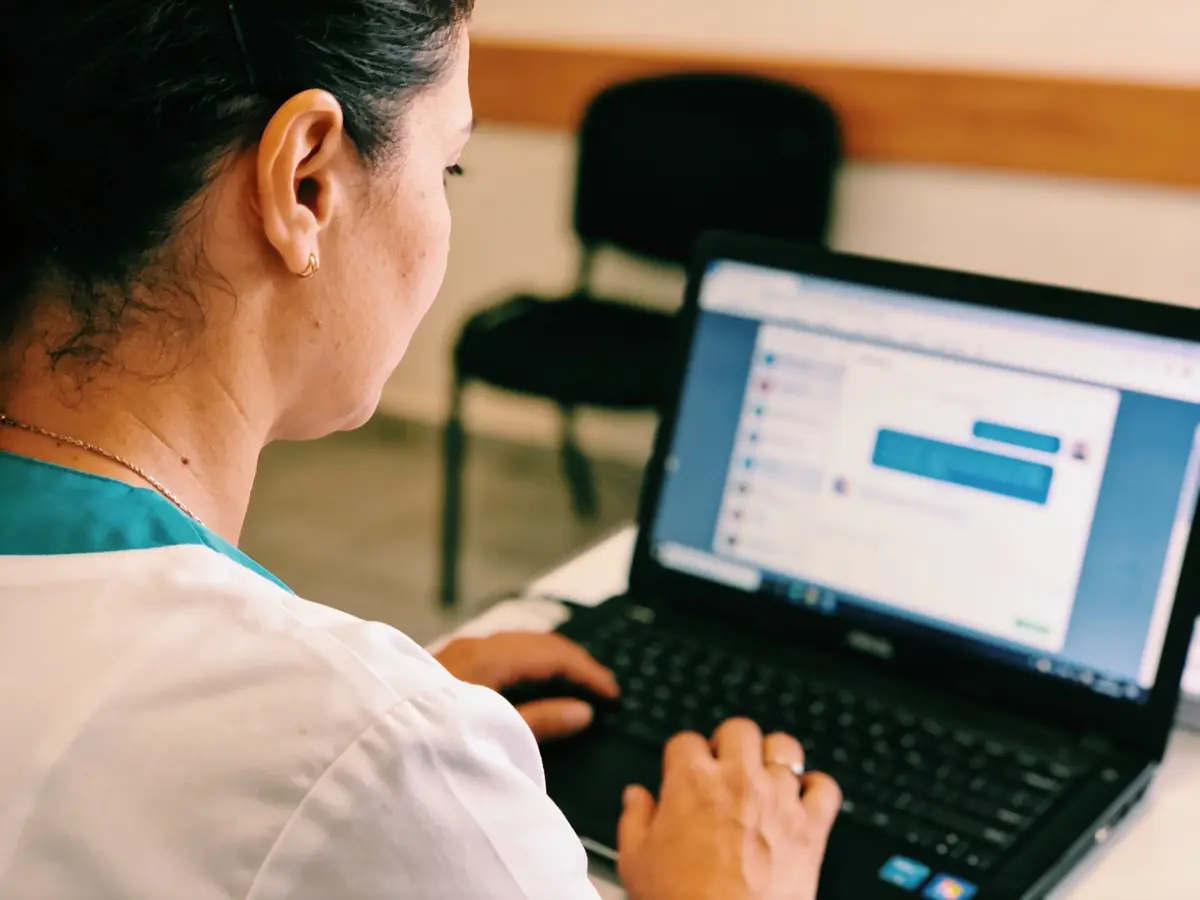
The photos are AI-generated; the people in them are fictional.
Doctors
Medical clinic & polyclinic
For medical clinics and polyclinics: the visit is linked to the appointment, the record stays sealed, and the patient sees the plan, not the diagnosis.
The working screen
For the patient
Book a visit / My health
Published clinics that take visits online: the service (the specialty when the clinic splits them), a doctor or «anyone», the day and the time — the one-time code and the confirmation come by email, no account needed. The form asks only name, phone, email and an optional note: no health data. Records and results are never published.
- — · No clinic published yetThe list fills only from real clinics that switched their public visit page on; no name is invented.—
- My healthSign in with the email the clinic has for you: appointments, the reason and plan of completed visits, medications, the next recall and the messages with the clinic — never the diagnosis or the history; the record opens only with your portal consent.→
- Manage your businessSign in: the calendar with doctor and room, the sealed records with per-person grants and 2FA, recalls as tasks.→
- Every category for the person→
The list is read from the platform (published clinics, no simulators) and shows up to 12 clinics.
- In production clinical writes open only with the clinical_records.writes flag after validation.
- The booking code travels by email only: SMS is refused with a reason until the platform has a provider; a patient without email books through reception.
- No clinical document upload, e-prescription or teleconsultation (a later phase); no clinical or legal certification; the AI does not diagnose.
The patient’s questions
Does the patient see the diagnosis?
No. On “My health” the patient sees appointments, the reason and the plan of the completed visit, medications and the recall — the diagnosis and the history stay with the clinic.
What does “Allergies: not recorded” mean?
That nobody has written yet; it is not the absence of allergies. “No known allergies” shows only when the clinician declares it; recorded allergies appear by name at the top of the record.
Does a confirmed appointment mark the visit as done?
No. Booking, confirmation and “Arrived” move only the appointment; the calendar says “Clinical visit: not documented” until the doctor writes the visit linked to the appointment and completes it.
Does the booking code come by SMS?
Not yet: the platform has no SMS provider, so the public page refuses the SMS channel with a reason and the code travels by email; a patient without email books through reception.
Every question of the category
Demo data «Try it in the demonstration» opens a simulated chat — an example on demo data, not the real engine: a real visit is booked only on the clinic’s public page.
What we offer
What the business gets today
Every capability with its real state: «Live» runs on the server today, «Demo» only with sample data or the simulator, «Blocked» waits for the named provider or decision, «Not started» is not built yet.
- LiveSealed clinical record under RLS with a grant per person and 2FA. Neither the owner nor the superadmin opens it automatically.
- LiveDuplicate-patient check (409 DUPLICATE_CANDIDATE), with the option to accept knowingly.
- LiveFive visit states. The visit is linked to the booking and a second visit for the same booking is refused with 409.
- LiveThe recall is created only from a completed visit. Reception sees the profile and counts, not clinical content.
- LiveAllergy statement and allergy badge. Corrections are made with a version and a reason.
- LiveClinical thread with the patient; the notice carries only the title. In «Shëndeti im» (My health) they see appointments, reason, plan, medications and recall, not the diagnosis.
- DemoThe demo world holds one example patient. The public demonstration scenario is labelled as an example.
- BlockedSMS, push notifications and card payment are blocked. Clinical writes in production open per clinic only after the environment is validated.
- Not startedClinical document upload, e-prescription and teleconsultation have not started.
Emma AI
What Emma does
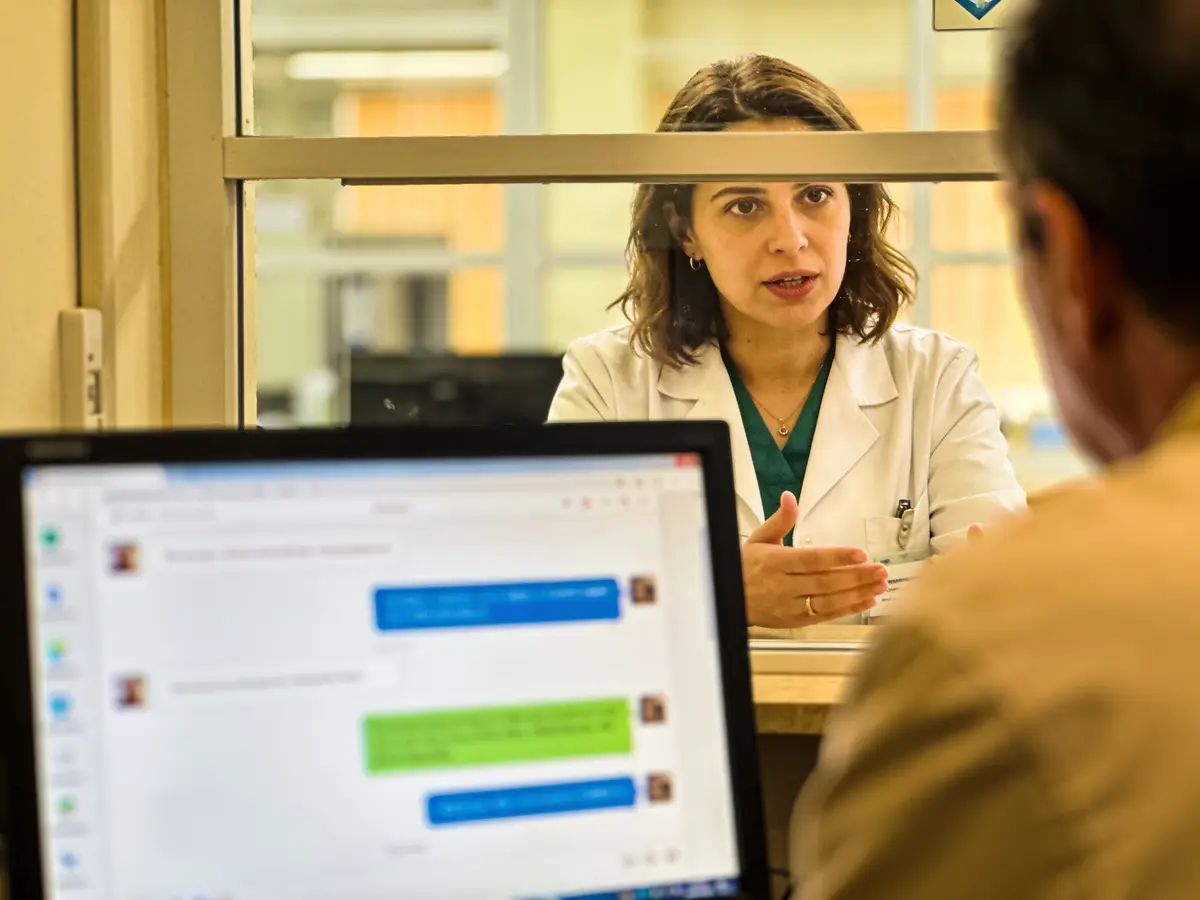
Emma works in four layers. Answers come from rules and approved information, generation with a language model is off, and every write is a proposal a person confirms.
Receptionist
Never reads history, treatment, analyses, prescription or diagnosis, and sends patients to the page behind a grant and 2FA. She gives no diagnosis, prescription, dose or interaction.
Business engine
Reads pending bookings and proposes confirming them. She uses only authorised functions; a write is a proposal that a person executes.
Growth
The recall is created only from a completed visit. Indicators for no-shows, completions, rebooking and slot use. A medical-specific retention feature does not exist yet.
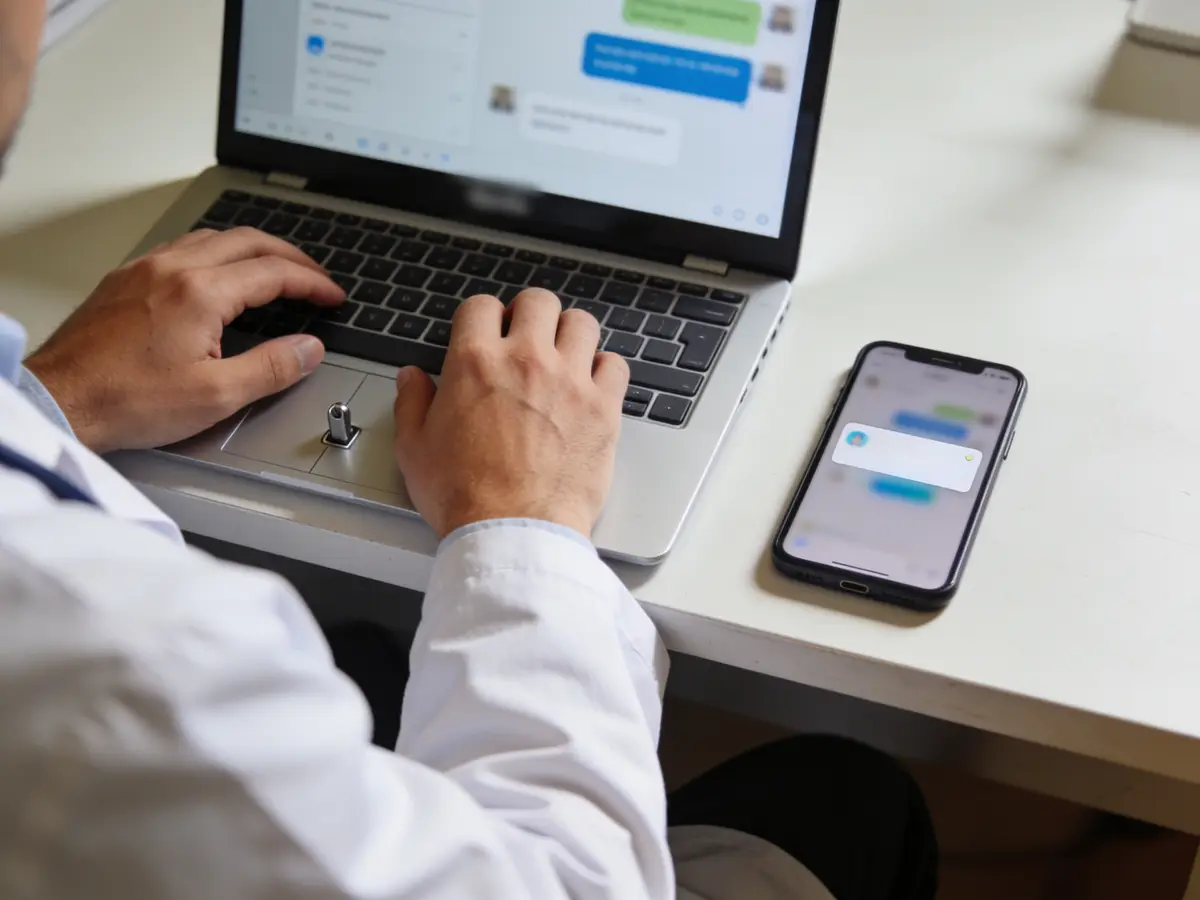
Control
The audit records every open and search as a fact, not as text. Roles: doctor, reception, accountant. Audit and approvals are visible on pages.
The problems we solve
- A patient registered twice.
- Records open to anyone in the clinic.
- Recall visits that get forgotten.
- A visit that is not linked to the appointment.
How we grow your capacity
- More appointments without more reception staff: online booking with an email code.
- A lighter reception: «Verifiko pacientin» (verify the patient) in the calendar, without opening content.
- Recalls without forgetting, from the completed visit.
- Clinical messages in a single thread with the patient.
These are the ways the platform works, not results measured at customers.
Five steps
From the first message to the report
A customer’s path, each step with its real state.
- First message
The patient books on the clinic page; the form asks for no health data (live).
Live - Booking
An email code and confirmation by reception; arrival moves the appointment, not the visit (live). SMS: blocked.
LiveBlocked - Reminder
The appointment reminder by email; the recall becomes a task for reception after the completed visit, with a notice in «Shëndeti im» (My health) (live). SMS and push: blocked.
LiveBlocked - Payment
Bank or cash at the desk (live). Card: blocked.
LiveBlocked - Report
Clinic reports (live). Clinical writes in production: blocked until the environment is validated.
LiveBlocked
Illustrative demonstration
The flow
- 1The customer writes
I’d like a first visit with the cardiologist this week, mornings if possible.
- 2Pick the visit
Thu 08:30 · Dr. Meta · Room 1 — First visit · 30 min · Thu 09:30 · Dr. Meta · Room 1 — First visit · 30 min
- 3Action
Book the visit
- 4Next step
At the end of the visit the doctor writes the visit into the record (reason, findings, plan, recall date) linked to the appointment; the patient sees on “My health” the reason, the plan, the medications and the recall — never the diagnosis.
The answers of this demonstration are prepared in advance, not produced by a connected model.
Frequently asked questions
The same answers Emma gives, from the platform guide.
Is the clinical module active online? awaits provider
Reading works: the record sealed under RLS, a grant per person with 2FA and an audit of every open. Clinical writes in production open per clinic only after the platform validates the environment.
What does the record contain? live
Profile, history with allergies, visits with states linked to the appointment, medications; versioned corrections; an open log.
Does the administrator get automatic access? live
No. A per-person clinical grant is needed; neither the owner nor the superadmin open it by default.
Can reception see clinical notes? live
No: reception sees the profile and counts; clinical content needs a clinician/reader grant.
Does the AI diagnose or recommend medication? live
No. It generates no diagnoses, prescriptions, doses or interactions.
Does the patient get an automatic recall reminder? awaits provider
Only inside the app. The completed visit creates a task for reception 14 days before the recall date, and a patient who opened the portal sees a notice in «Shëndeti im» (My health) with only the clinic and the date. No email is sent; SMS and push are blocked, so reception contacts the patient according to their consent.
How is a wrong note corrected? live
With a reason and the current version; the previous version is kept; or it is marked “recorded in error”.
Can I use it with real patients right away? awaits provider
Not yet for clinical writes: after the environment is validated (hosting, keys, backup with restore, access procedure) the platform opens writing for the clinic. Booking and the calendar work today.
How is a duplicate patient avoided? live
Before a new profile an existing one with the same name and birth date, phone or email is looked up; its code is shown and you choose “Open the record” or “Create anyway”.
Try it or open an account
The demonstration runs on sample data, not on your business. The account opens for free and the panel switches on by category and role.
Other categories