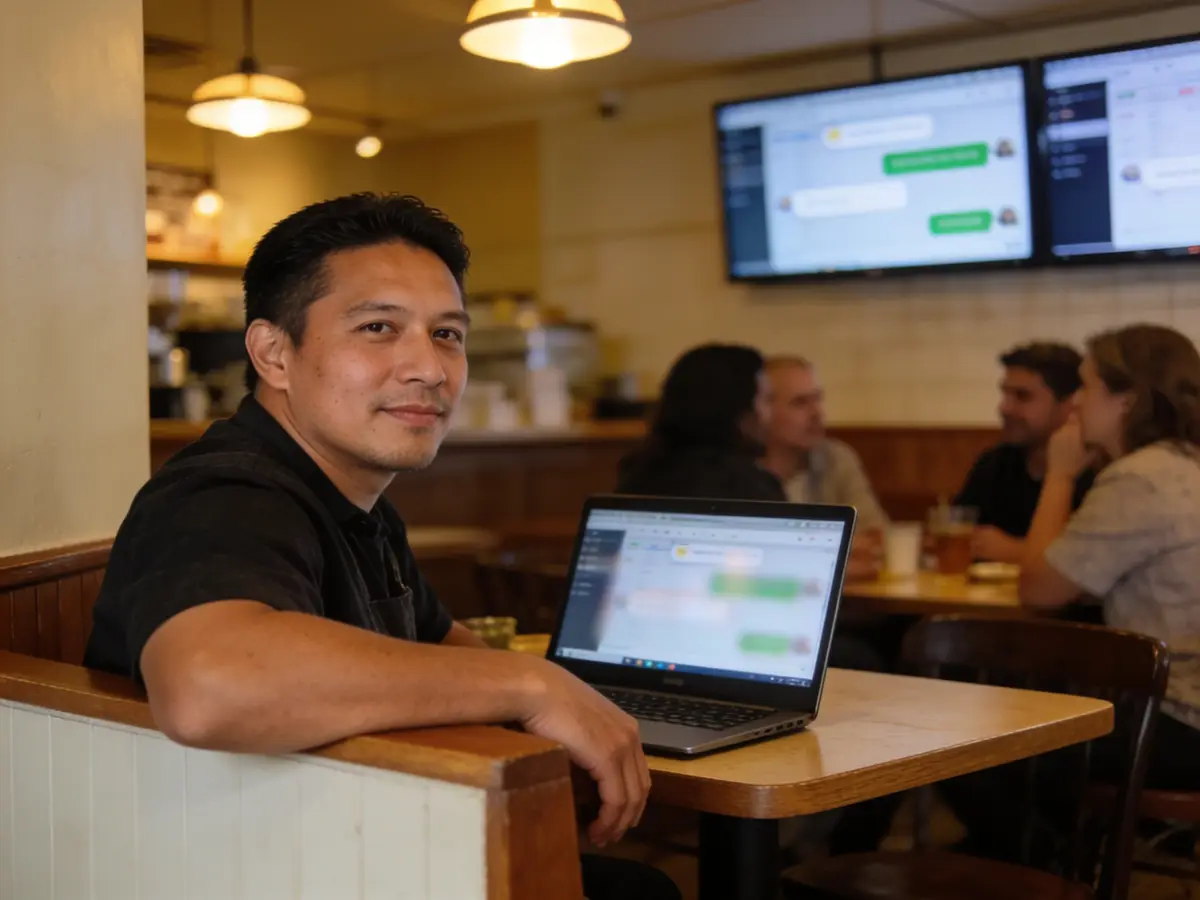
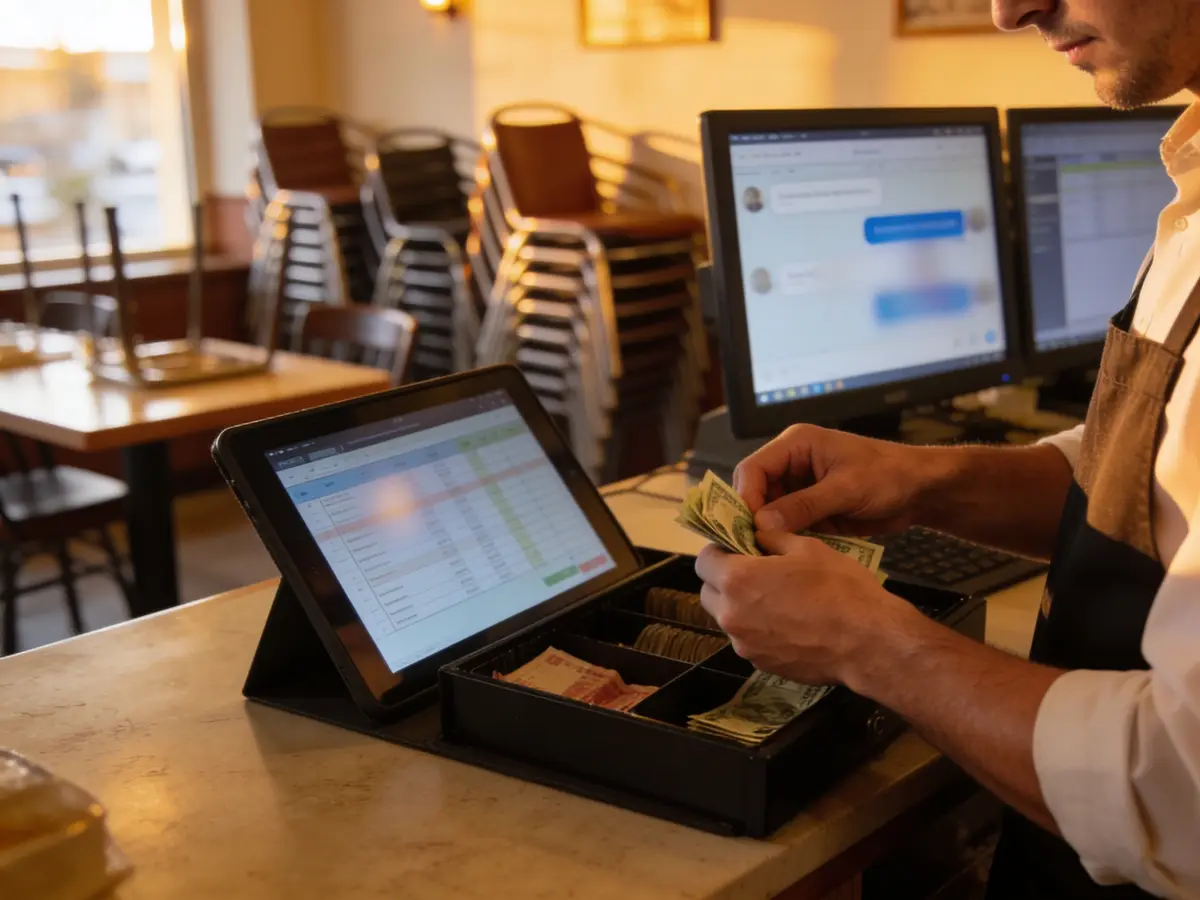
The photos are AI-generated; the people in them are fictional.
Food
Restaurant, bar & café
For restaurants, bars and cafes: a table is booked without a phone call, the order goes from the floor to the kitchen, and the day closes with a counted till.
The working screen
For the person
Book a table or read the menu
Published restaurants that take bookings online: a table for 2 or 4, the day and the time — the confirmation comes by email, no account needed. The QR menu is read from the table: the categories, the variants with their list price, the options with their surcharge and the declared allergens; the request goes to the waiter when the restaurant has switched it on, payment is at the till.
- — · No restaurant published yetThe list fills only from real restaurants that switched their public booking page on; no name is invented.—
- My bookingsSign in with the email the restaurant has for you: table bookings, cancellation and the review after the visit.→
- Read the menu (QR)The menu opens from the table’s QR or from the link the restaurant shares, no account needed: the day’s list prices, the variants, the options and the allergens. There is no public directory of menus — no menu is invented.QR
- Every category for the person→
The list is read from the platform (published restaurants, no simulators) and shows up to 12 restaurants.
Demo data «Try it in the demonstration» opens a simulated chat (Demo), not the real engine: a real booking is made only on the restaurant’s own public page and a real request only from the table’s QR menu.
What we offer
What the business gets today
Every capability with its real state: «Live» runs on the server today, «Demo» only with sample data or the simulator, «Blocked» waits for the named provider or decision, «Not started» is not built yet.
- LiveTable or room booking, online or by staff, with capacity, hours and exceptions.
- LiveFloor plan with zones, tables and open orders.
- LiveKitchen screen (KDS): tickets per station, no prices; acknowledged, started, ready, served.
- LiveTill: orders, bill splitting, void, discount and shift close with a cash count. A card payment taken on the bank’s separate terminal is recorded at the till.
- LiveQR menu at the table. Requests from the menu reach the waiter.
- LiveSeparate roles: cashier, waiter, kitchen. Every command is recorded.
- DemoThe integrated card terminal exists only in test. Campaigns to regular guests run on the simulator.
- BlockedThe integrated terminal and online card payment, the fiscal receipt (the till prints «KUPON JO FISKAL»), SMS, Wolt and Glovo are not connected. Offline, opening an order, lines, hold, sending to the kitchen and discount are kept; payments, shifts and fiscalisation wait for the connection.
Emma AI
What Emma does
Emma works in four layers. Answers come from rules and approved information, generation with a language model is off, and every write is a proposal a person confirms.
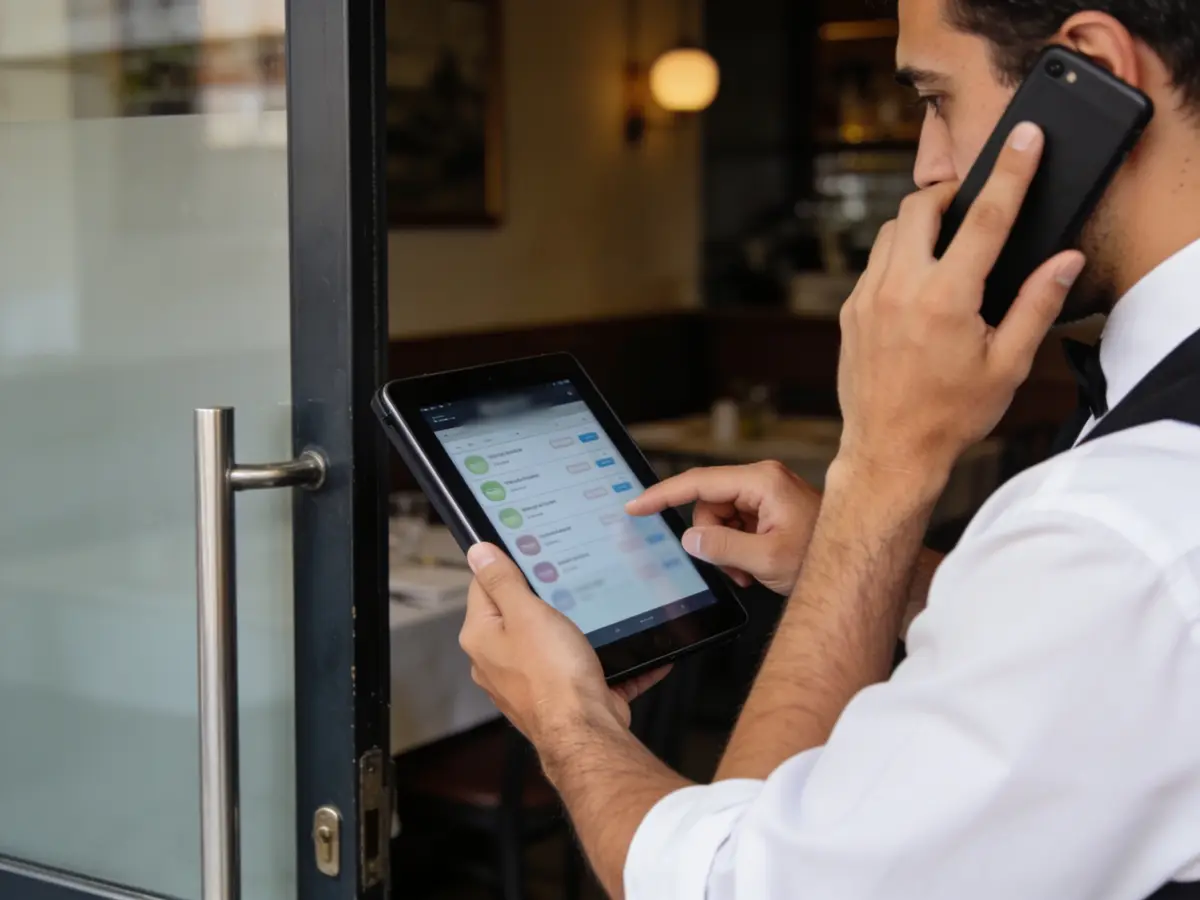
Receptionist
Answers from the published menu and approved information. An order from the menu is confirmed by the person, not by Emma; staff take over the conversation when needed.
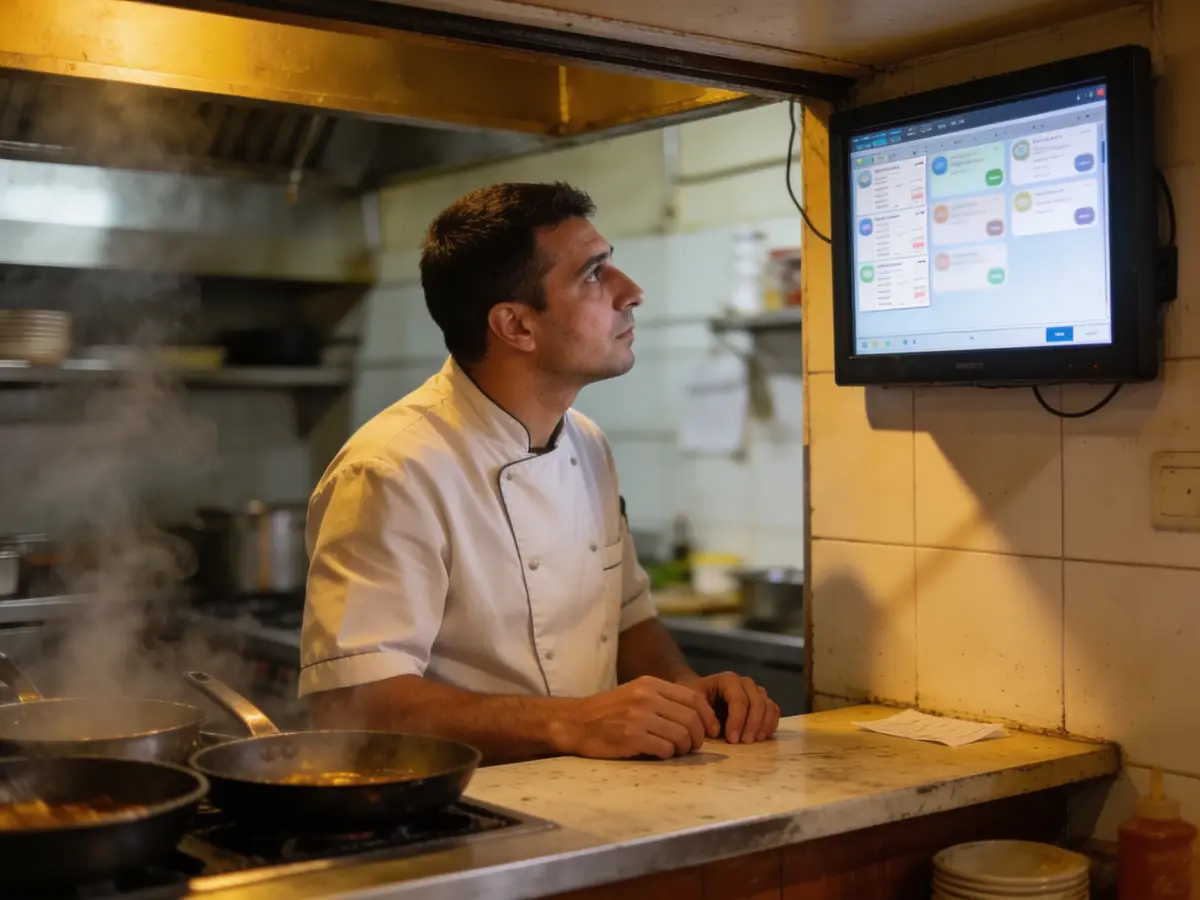
Business engine
Finds a table’s open order and the list of open orders. She does not open or change an order herself; every write is a proposal that a person executes.
Growth
Reads booking indicators (no-shows, completions, rebooking). Offers to regulars need consent and a second person’s approval; real sending is blocked. Top dishes and win-back of regulars do not exist yet.
Control
The audit shows the author, the time and a hash of the change. Void and discount have an approval route. Operational buttons stay inactive without a licensed module.
The problems we solve
- Phone bookings during peak hours.
- Orders that get lost between the floor and the kitchen.
- Splitting and totalling a table’s bill by hand.
- Menu questions the waiter answers again and again.
How we grow your capacity
- More tables filled without more staff on the phone: online booking respects capacity and hours.
- Faster service: the order goes from the waiter to the kitchen screen.
- A faster till: splitting a bill and a discount happen on one screen.
- Fewer questions for the waiter: the QR menu answers before they are called.
These are the ways the platform works, not results measured at customers.
Five steps
From the first message to the report
A customer’s path, each step with its real state.
- First message
The guest finds the public page or scans the QR at the table (live).
Live - Booking and order
An online table with email confirmation (live); by SMS: blocked. The waiter opens the order and the lines go to the kitchen (live).
LiveBlocked - Reminder
Email 24 hours and 2 hours before the booking (live).
Live - Payment
Cash or card on the bank’s separate terminal, with bill splitting, recorded at the till (live). The integrated terminal, online payment and the fiscal receipt: blocked.
LiveBlocked - Report
Shift close with a cash count and the day’s reports (live).
Live
Illustrative demonstration
The flow
- 1The customer writes
A table for six on Saturday evening, around 20:00?
- 2Pick the time
Saturday 19:30 — Table 9 · 6 seats · Saturday 20:00 — Table 9 · 6 seats
- 3Action
Confirm the booking
- 4Next step
If the table frees up, the waitlist is offered automatically; olive oil replenishment is proposed when stock drops below the minimum.
The answers of this demonstration are prepared in advance, not produced by a connected model.
Frequently asked questions
The same answers Emma gives, from the platform guide.
Can I book a table or a room online? live
Yes. Online booking respects capacity, hours and exceptions, and the confirmation arrives by email. SMS confirmation is not connected.
How are out-of-hours bookings avoided? live
The resource hours and exceptions are enforced by the engine; no slot is offered outside them.
Do the kitchen and waiters get orders automatically? live
Yes. Order lines appear on the kitchen screen by station, with the states acknowledged, started, ready, served. Tickets are not printed; they show on the screen only.
How are event requests followed? live
Conversation in the Inbox, a task with an owner and the room resource in the calendar when the request concerns the space.
Can I send offers to regulars? awaits provider
A campaign can be drafted, but it needs the guest’s consent and a second person’s approval. Real sending is not connected; today it runs only on the simulator.
Does the till print a fiscal receipt? awaits provider
Not yet. The till prints «KUPON JO FISKAL» (not a fiscal receipt). The easyPos adapter is built, but a real receipt waits for the production connection and the taxpayer’s token.
Where do I see who did what? live
In the Audit: every command with its author, time and change hash.
Why can operational buttons be inactive? live
Because the module is not licensed or enabled: see Licence and Modules; after activation the buttons open.
Can I pay by card at the restaurant? awaits provider
Yes, on the bank’s separate terminal: the till records the card payment. The integrated terminal exists only in test and online card payment is not connected.
Does the restaurant till work offline? live
Partly. Offline, opening an order, lines, hold, sending to the kitchen and discount are kept. Payments, shifts and fiscalisation never work offline.
Does it connect to Wolt or Glovo? awaits provider
Not yet. The Wolt and Glovo channels are blocked until there is a channel contract and a verified link for the business; outside production they run only with a simulator.
Try it or open an account
The demonstration runs on sample data, not on your business. The account opens for free and the panel switches on by category and role.
Other categories