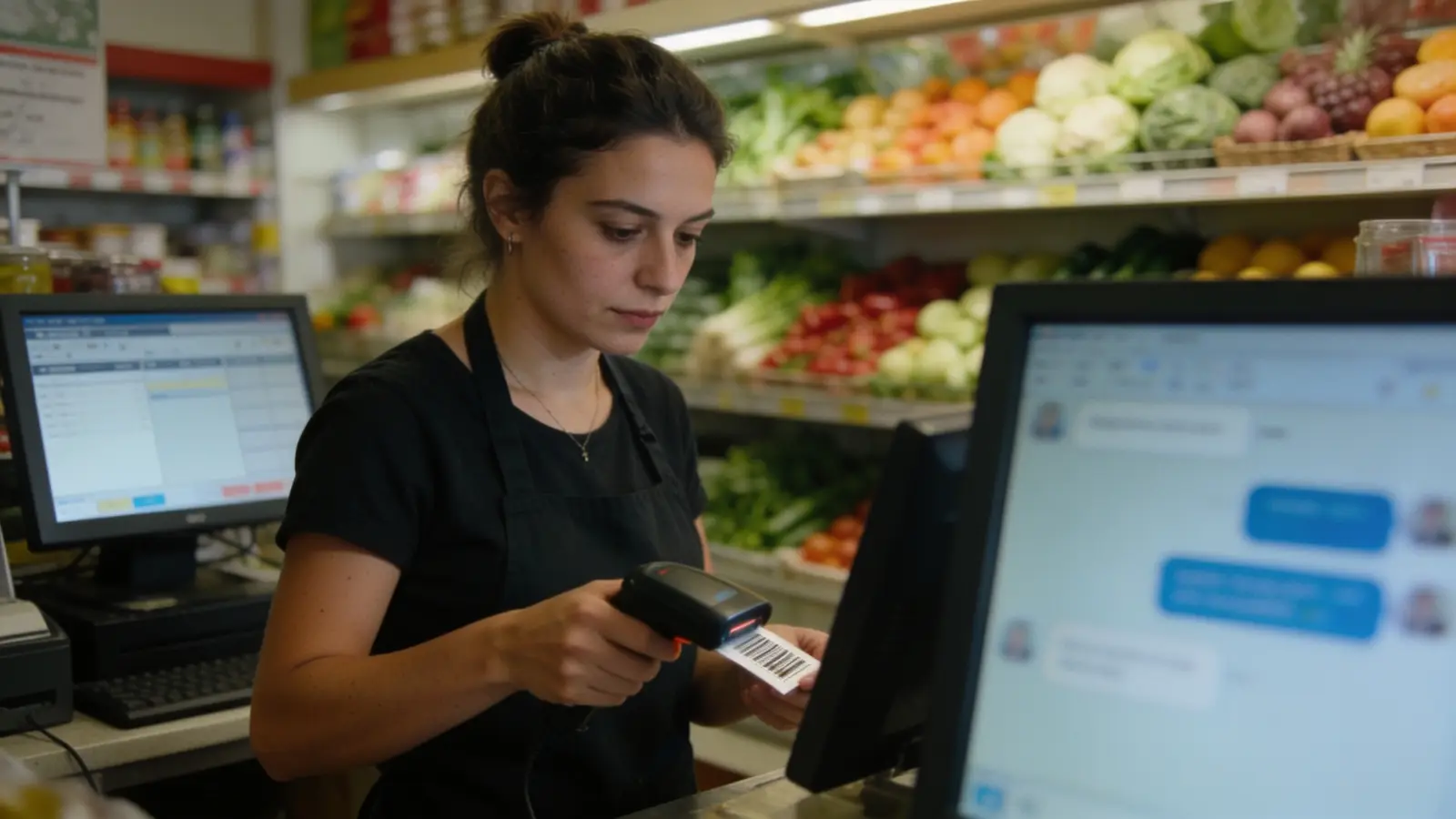
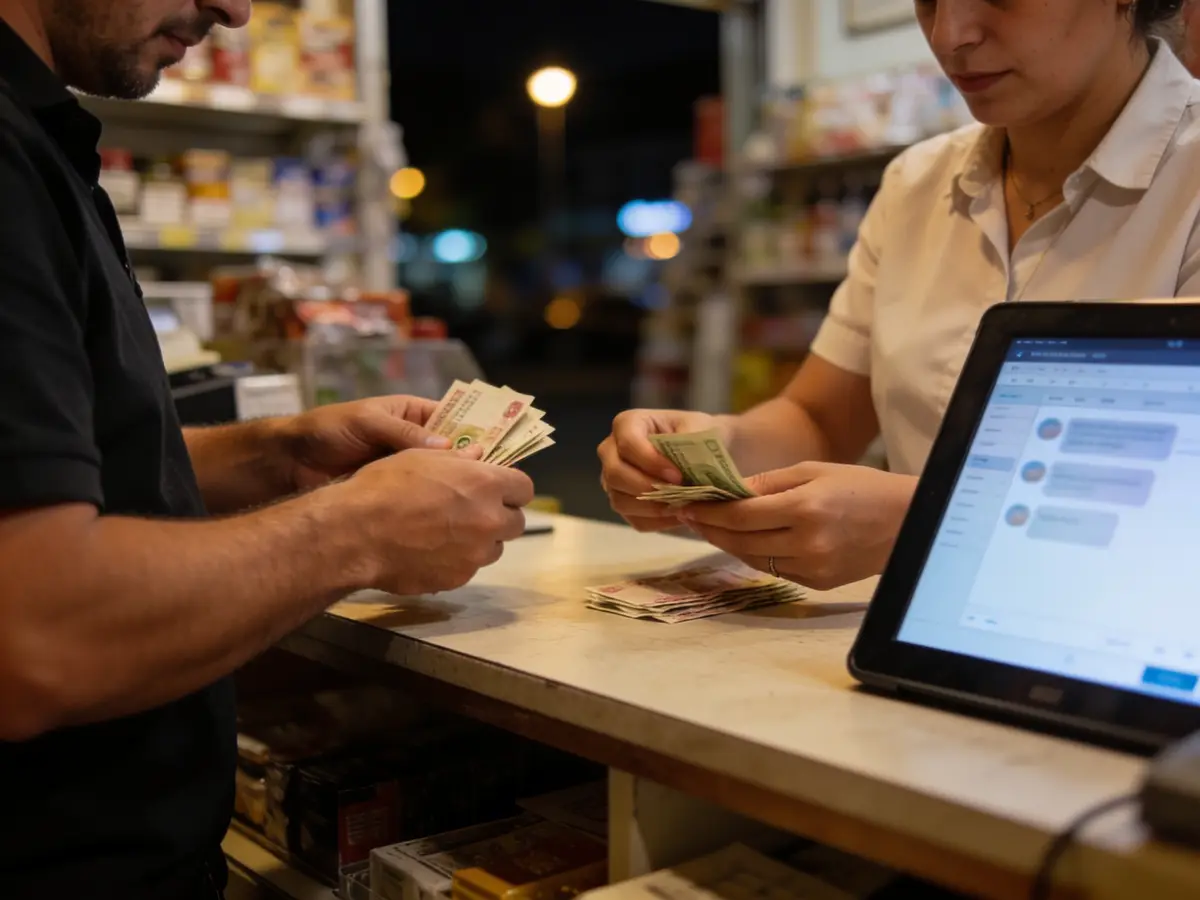
The photos are AI-generated; the people in them are fictional.
Shops
Retail shop & supermarket
For shops and supermarkets: a till with barcodes, stock that moves by itself with each sale, and clear warehouse control.
The working screen
For the person
Find a shop / See the catalogue
Published shops with their online catalogue: the items with the shop’s live price and stock, «Our shops» with the address and the opening hours; ordering online only when the shop has switched it on, no account needed — the confirmation comes by email.
- — · No shop published yetThe list fills only from real shops that switched their public storefront on; no name is invented.—
- My orderTracked from the shop’s link in the confirmation email, no account: the status, the shipment and the review after delivery.@
- Every category for the person→
The list is read from the platform (published shops, no simulators) and shows up to 12 shops.
Demo data «Try it in the demonstration» opens a simulated chat — an example on demo data, not the real engine: the real catalogue, stock and order live only on the shop’s own storefront.
What we offer
What the business gets today
Every capability with its real state: «Live» runs on the server today, «Demo» only with sample data or the simulator, «Blocked» waits for the named provider or decision, «Not started» is not built yet.
- LiveTill with barcode scanning, the price from the active list and weighted barcodes.
- LiveStock moves on sale, receipt, transfer and count. Expiring lots and first-expired-first-out order can be read.
- LiveCatalogue with barcodes, units and tax profiles, with an import before going live.
- LivePurchasing: OCR proposes the supplier invoice and staff confirm it before posting.
- LiveSeparate roles: cashier, warehouse, manager.
- LiveDocument-level discount and shift close with a cash count. A card payment on the separate terminal is recorded with its authorisation code.
- DemoThe integrated card terminal exists only in test. SMS offers run only on the simulator.
- BlockedThe fiscal receipt (the till prints «KUPON JO FISKAL»), SMS and online payment are not connected. Offline the cart is kept locally, but payment, stock and fiscalisation are confirmed when the connection returns. The weighing scale and serial terminal have no driver: the weight is read from the barcode.
Emma AI
What Emma does
Emma works in four layers. Answers come from rules and approved information, generation with a language model is off, and every write is a proposal a person confirms.
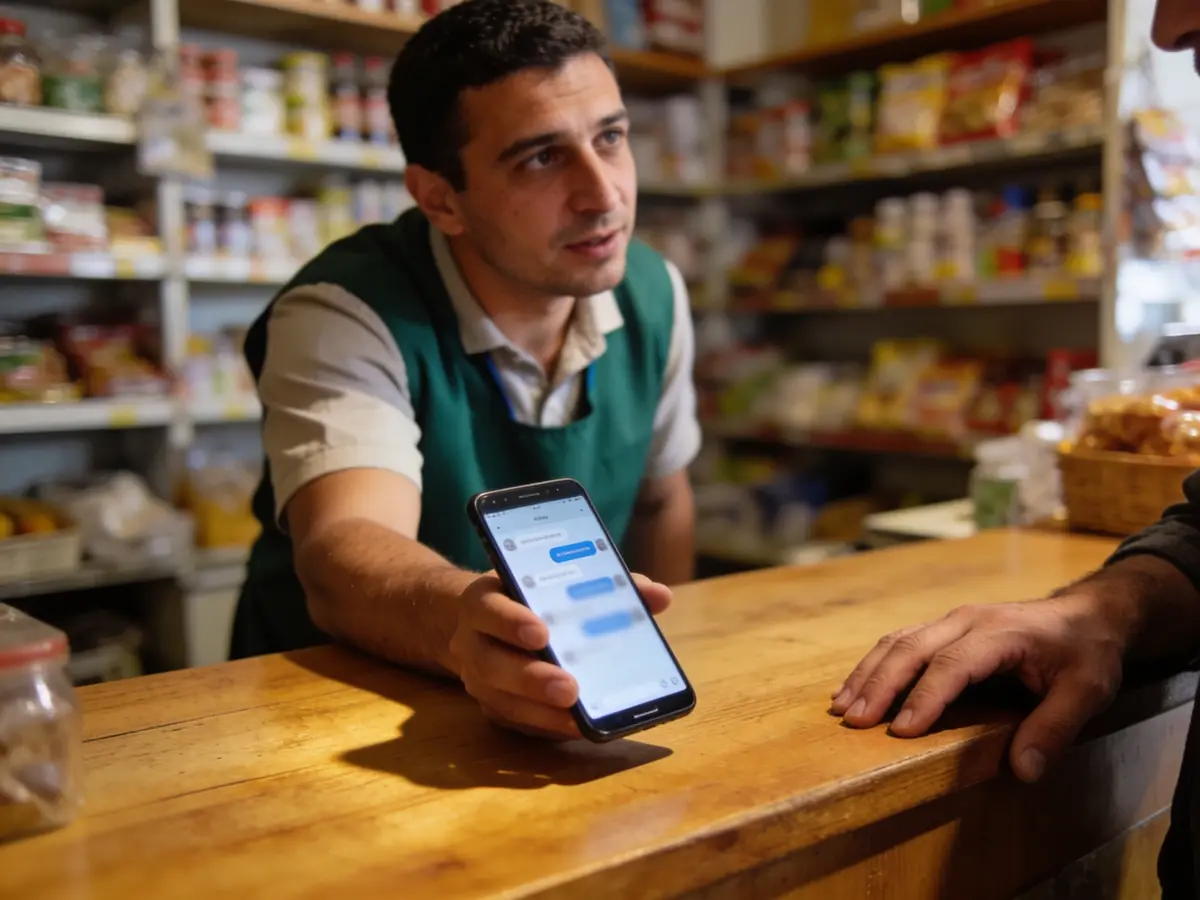
Receptionist
Answers about hours and policies from the approved FAQ, citing the source. She looks up stock and expiring lots.
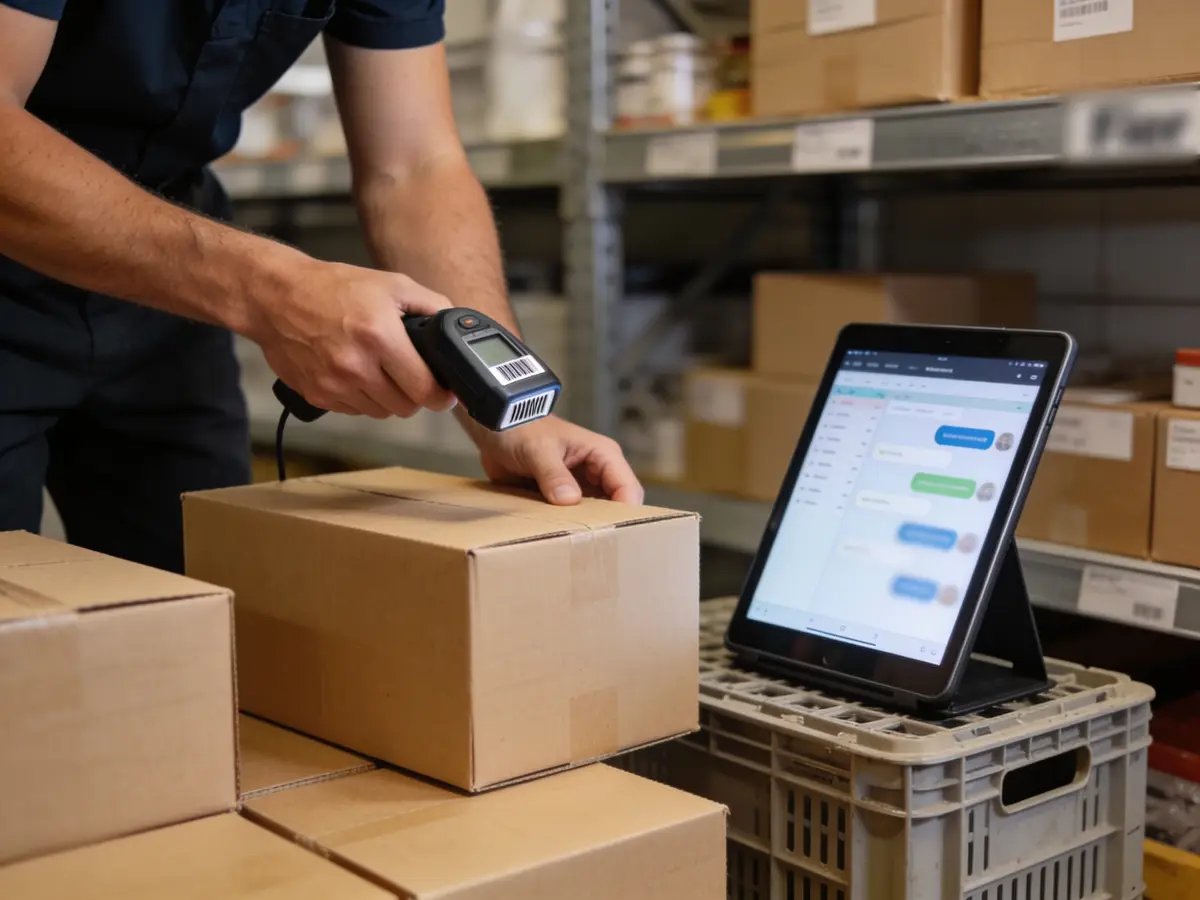
Business engine
Proposes a restock order as a form and drafts campaigns that need approval. She does not change stock herself; every write is executed by a person.
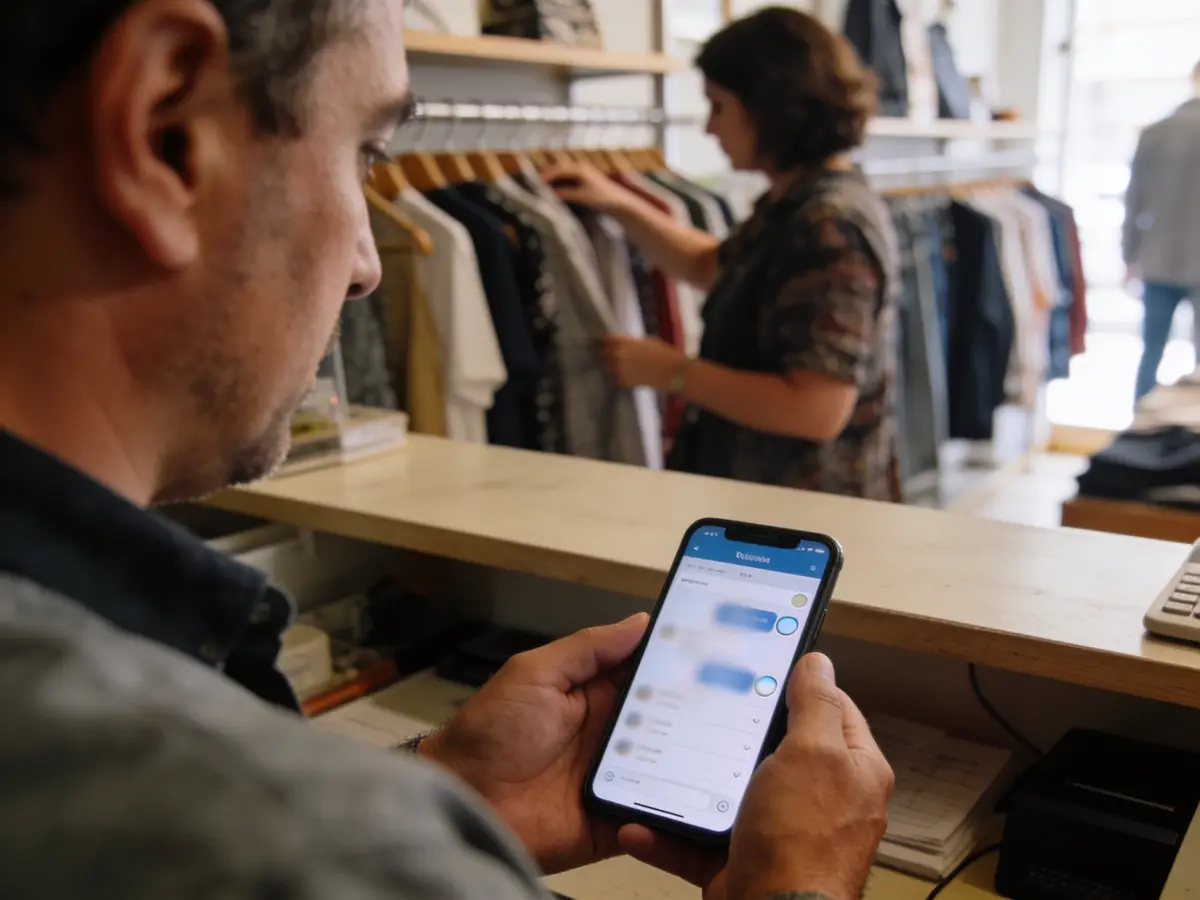
Growth
Customers are organised by tags and consents, and campaigns need approval before sending; real sending is blocked. Repeat-purchase win-back and loyalty are not proven yet.
Control
Discount and void at the till have an approval route, the shift closes with a count, and roles are limited by location. Audit and integration health are visible on pages.
The problems we solve
- Prices and stock that differ between the till and the warehouse.
- Goods that expire without anyone noticing.
- Counts that take days and do not match.
- Restocking done only when the shelf is empty.
How we grow your capacity
- A faster till: barcode scanning and the price from the active list.
- Fewer stock errors: sales, receipts and transfers move stock by themselves.
- Less loss from expiry: lots about to expire come to the surface.
- Faster restocking: Emma proposes the order.
These are the ways the platform works, not results measured at customers.
Five steps
From the first message to the report
A customer’s path, each step with its real state.
- First message
The customer asks about hours, a product or a policy; Emma answers from approved information (live).
Live - Sale
The cashier scans the barcode, the price comes from the active list, a discount goes through approval (live).
Live - Reminder and offer
Only to customers with consent; real SMS sending is blocked and runs only on the simulator (Demo).
DemoBlocked - Payment
Cash or card on the separate terminal, with the authorisation code at the till (live). The integrated terminal and the fiscal receipt: blocked.
LiveBlocked - Report
Shift close with a cash count, stock reduced by the sale and a restock proposal (live).
Live
Illustrative demonstration
The flow
- 1The customer writes
Do you have “Espresso 1 kg” coffee in stock? I’d like 3 packs.
- 2Pick the shop
Centre shop — Stock: 5 · pick-up today · Neighbourhood shop — Stock: 0 · transfer from Centre, 1 day
- 3Action
Reserve 3 packs
- 4Next step
When the customer pays at the till the reservation becomes a sale, stock is deducted and replenishment is proposed below the minimum.
The answers of this demonstration are prepared in advance, not produced by a connected model.
Frequently asked questions
The same answers Emma gives, from the platform guide.
Can the AI answer about hours and policies? live
Yes, from the approved FAQ and information, citing the source; without a source the request goes to staff.
Are barcodes scanned for sales? live
Yes, the till finds the item by barcode (weighted barcodes too) and takes the price from the active list.
Is stock updated automatically? live
Yes: sales, receipts, transfers and counts move the stock; the last unit is never promised twice.
How are customers organised for offers? live
Tags and consents on the profile; campaigns with approval before sending.
Are real SMS offers sent? awaits provider
Not yet. SMS is not connected; SMS offers run only on the simulator.
What happens with supplier documents? live
They are scanned, classified and OCR proposes the supplier invoice; staff confirm before posting.
Are there separate roles for warehouse and till? live
Yes: cashier, warehouse, manager with separate permissions; location-restricted where needed.
Does the till accept cards, and is a fiscal receipt issued? awaits provider
Card yes, on the bank’s separate terminal: the till records the authorisation code. The integrated terminal exists only in test. The fiscal receipt is blocked and the till prints «KUPON JO FISKAL». Offline the cart is kept, but payment waits for the connection.
Try it or open an account
The demonstration runs on sample data, not on your business. The account opens for free and the panel switches on by category and role.
Other categories