
The photos are AI-generated; the people in them are fictional.
Property
Real estate agency
For real estate agencies: listings with authorised media, buyer requests with explained matching, and viewings without clashes.
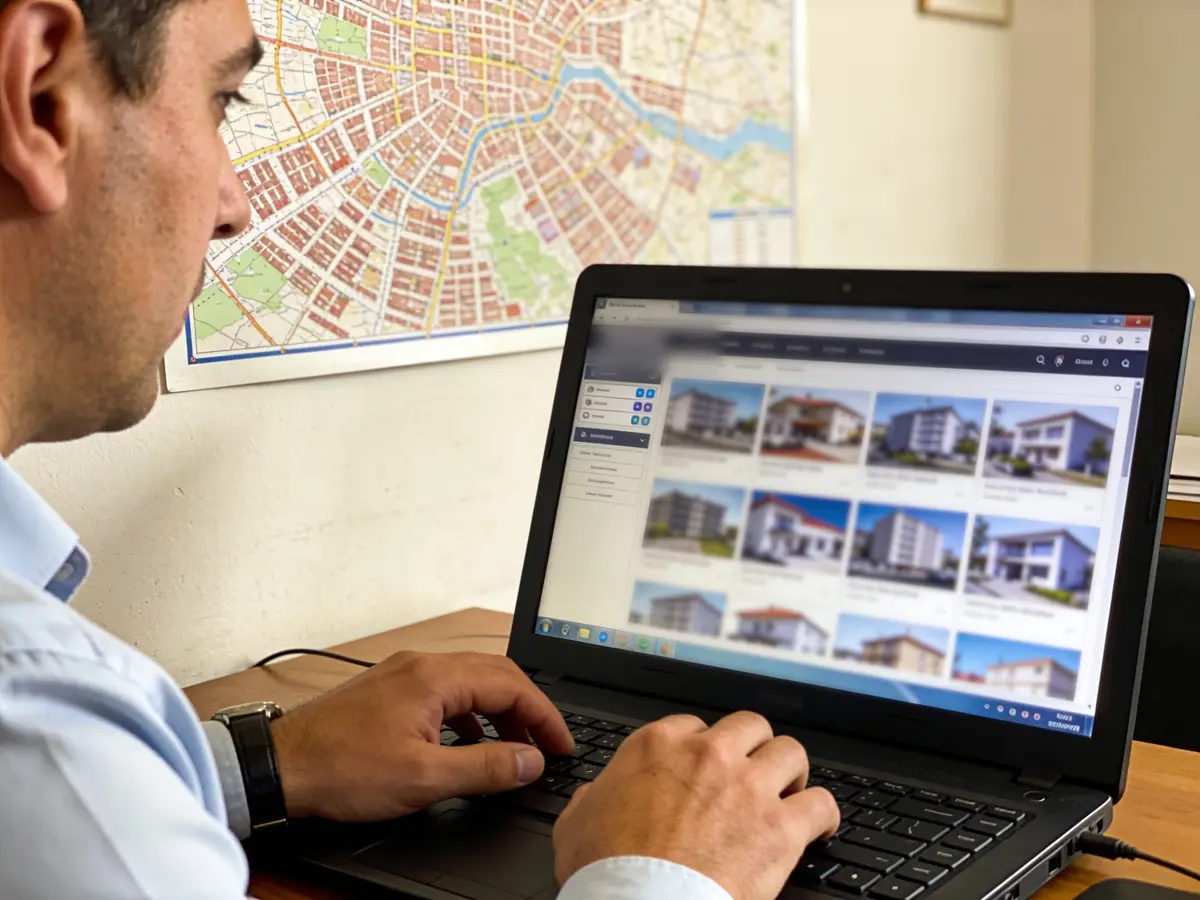
The working screen
For the person
Look for a property
The platform’s public marketplace: sale or rent, zone, price with currency, area, rooms and property type — only listings of published agencies with a valid mandate, no account needed. The address is published at the level the owner and the agency allow (exact address, street or city only); no empty field is filled by guessing. The viewing is booked on the agency’s public page and confirmed by email.
- — · No agency published yetThe list fills only from real agencies that switched their public viewing page on; no name and no listing is invented.—
- Search properties on the MarketplacePublic search without an account: pick the country, filter sale/rent, zone, price with currency, area, rooms and type; listings with an expired mandate and simulators never show.→
- My property requestSign in with your email: what you look for (buy or rent, zones, budget with currency, rooms, area), the explained matches, the saved listings and the mortgage calculator; an agency contacts you only with your consent.→
- Manage your businessSign in: the listings with authorised photos and history, the requests and matches, the pipeline, the viewings and the split commissions.→
- Every category for the person→
The list is read from the platform (published agencies, no simulators) and shows up to 12 agencies.
Live state: the public search on the Marketplace with sale/rent, zone, price with currency, area, rooms and type; a listing with a type, authorised photos from the agency’s documents and a history; matching only within the same currency, with the reason for every listing left out; viewings with participants and a confirmation; commission expected → earned → invoiced → paid, split between beneficiaries — the property price is never revenue. No property map on the public search: the map provider stays blocked (the owner’s decision on tiles and self-hosting); the list is complete without it. Mandate documents stay private: no public lead reads them.
Demo data «Try it in the demonstration» opens a simulated chat — an example on demo data, not the real engine: the real listings, matches and viewing live only on the Marketplace and the agency’s public page.
What we offer
What the business gets today
Every capability with its real state: «Live» runs on the server today, «Demo» only with sample data or the simulator, «Blocked» waits for the named provider or decision, «Not started» is not built yet.
- LiveListings with type, authorised media, address precision and states: draft, available, reserved, closed.
- LiveBuyer requests are matched to listings in one currency, with the reasons a listing was skipped.
- LiveScheduled viewings. The database does not allow two overlapping viewings for the same agent. Outcome: done, no-show, cancelled.
- LiveDeals: contact, viewing, offer, contract, won or lost. Winning closes the listing.
- LiveCommission: expected, earned, invoiced, paid, with splits between agents (422 SHARES_MISMATCH if they do not add up).
- LivePublic search at /treg without an account, for sale or rent. Only published agencies with a valid mandate appear.
- DemoThe chat at /biznes?k=realestate#demo and the simulator guide are demonstrations. Viewing reminders by SMS or WhatsApp exist only in the simulator.
- BlockedThe property map (no map provider), SMS, WhatsApp, card payment and fiscalisation are blocked.
- Not startedPublishing to external portals has not started.
Emma AI
What Emma does
Emma works in four layers. Answers come from rules and approved information, generation with a language model is off, and every write is a proposal a person confirms.

Receptionist
Answers from rules, the FAQ and approved cards; the free-text model is off. When needed she holds the conversation until the team takes over.
Business engine
Reads public listings and deals. From an open deal she builds a viewing proposal, which is confirmed by a person’s click.

Growth
Buyer requests are matched to listings and the analyst flags deals with no movement. Automatic follow-up after a viewing no-show and reactivation have not been proven yet.

Control
Listing history comes from audit rows. Permissions are separate (read, manage, deal, commission). The server validates the commission split. Integration health is visible at /admin/integrimet.
The problems we solve
- Properties in different notebooks and messages.
- Two viewings at the same hour for one agent.
- Buyers who are not matched to the right listings.
- Commissions split by hand and unchecked.
How we grow your capacity
- More viewings managed without clashes.
- Faster buyer-to-listing matching.
- Less admin: a commission moves from «expected» to «paid».
- Properties visible without an account at /treg.
These are the ways the platform works, not results measured at customers.
Five steps
From the first message to the report
A customer’s path, each step with its real state.
- First message
The buyer searches at /treg or sends a request; it becomes a contact and a match (live).
Live - Viewing
Scheduled from the deal, and a clash is refused by the database (live).
Live - Reminder
Confirmation and cancellation by email (live). A reminder by SMS or WhatsApp: blocked, simulator only (Demo).
LiveDemoBlocked - Payment
Commission by bank transfer, recorded as paid (live). Card and fiscalisation: blocked.
LiveBlocked - Report
Deals and commission (live). A separate category report has not been proven yet.
Live
Illustrative demonstration
The flow
- 1The customer writes
Looking for a 2-bedroom rental in Tirana near the Bllok, up to €500 a month.
- 2Pick the property to view
Ibrahim Rugova St. · 2-bed — €480 · 4th floor · match: area, budget (EUR) · Pjetër Bogdani St. · 2-bed — €500 · 2nd floor · match: area, budget (EUR), lift
- 3Action
Schedule the viewing
- 4Next step
Example: after the viewing the offer is recorded with amount and deadline; the expected commission shows separately from the collected one and is split between the agency and the agent — the property price never enters as revenue.
The answers of this demonstration are prepared in advance, not produced by a connected model.
Frequently asked questions
The same answers Emma gives, from the platform guide.
Which stages are used for the buyer? live
Lead, viewing, offer, contract, won or lost; forward only, lost with a reason.
Does the AI suggest the right property automatically? live
Yes: matching explains the score, the reasons and what is missing; only listings on the market with a mandate.
Is there an active catalogue of listings? live
Yes, listings with statuses draft → available → reserved → closed and a publication mandate.
How is a viewing organised? live
From the deal: agent, interval, note; an agent conflict is refused (SLOT_UNAVAILABLE).
Is a follow-up task created? live
Yes: closing a listing raises a task for every open deal; the analyst flags stalled deals.
Are real viewing reminders sent? awaits provider
Viewing confirmation and cancellation arrive by email. Reminders by SMS or WhatsApp run only on the simulator and are blocked in production.
Are agent commissions tracked? live
Yes. For every deal the commission moves expected → earned → invoiced → paid, with splits between agents; the server refuses a split that does not add up with 422. The property price is never revenue. The invoice leaves without fiscalisation and is paid by transfer.
Does won mean the contract is done? live
Won closes the listing and loses the other deals; the commission is earned only with contractual evidence.
Is there a public property search? live
Yes, on the Marketplace (/treg), no account needed: sale or rent, zone, price with currency, area, rooms and type; only listings of published agencies with a valid mandate, no simulators; the address at the allowed level (exact, street or city).
Are listings shown on a map? awaits provider
Not on the public search: the map provider is blocked (the owner’s decision on tiles and self-hosting); the list is complete without it. Coordinates are geocoded by the platform and stay at city precision when the geocoder does not answer.
Do listings carry photos and a history? live
Yes: photos are authorised documents of the agency (mandate files stay private and no public lead reads them) and the history is listed from the audit log; no empty field is filled in by the AI.
Try it or open an account
The demonstration runs on sample data, not on your business. The account opens for free and the panel switches on by category and role.
Other categories